Differences Between "Part-Time Connection" and "Automatic Connection"
Casio's bluetooth-enabled watches come in two connection types.
Note: You must install the app on your smartphone and pair the device before connecting.
<How to check the connection type of your device>
For the CASIO WATCHES APP:
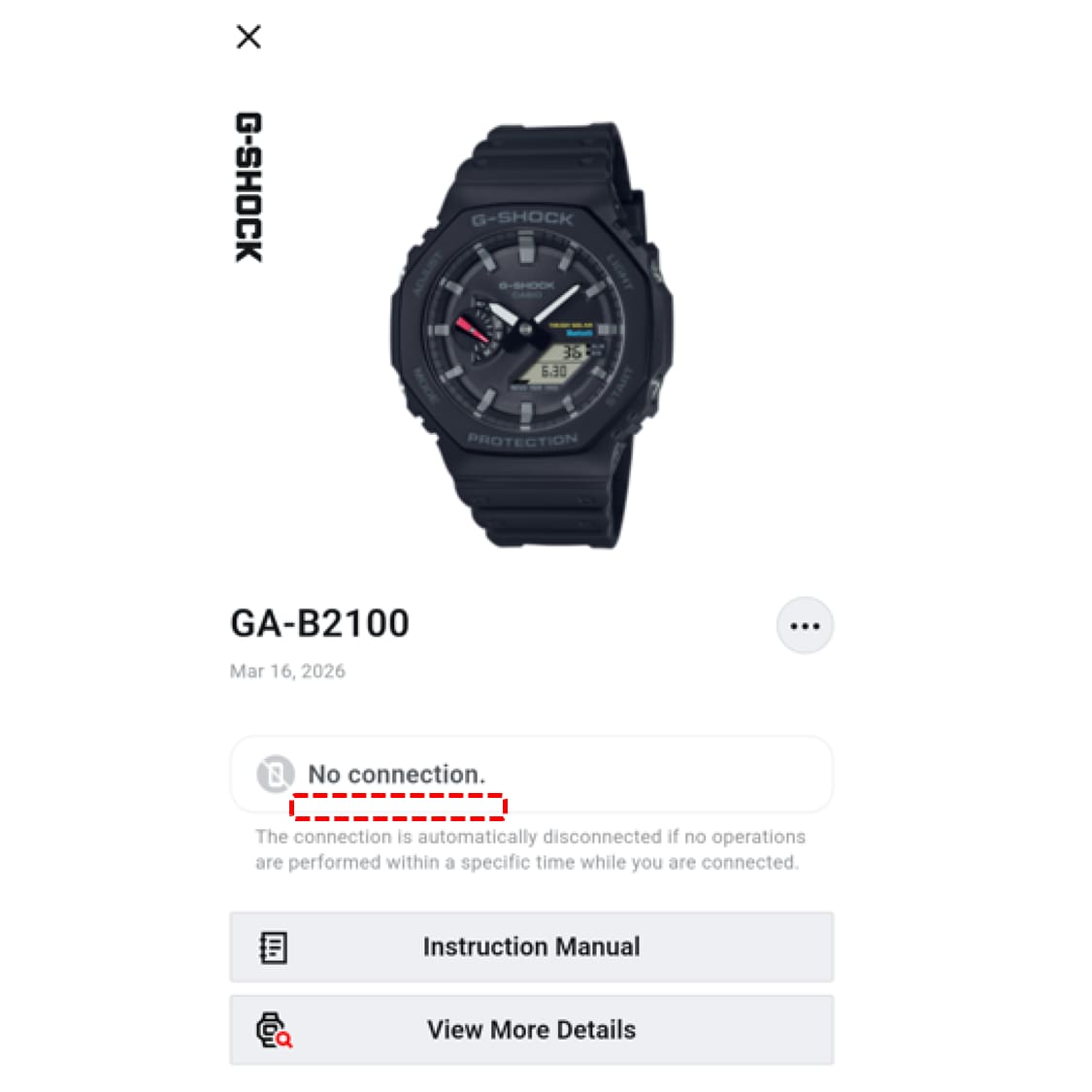
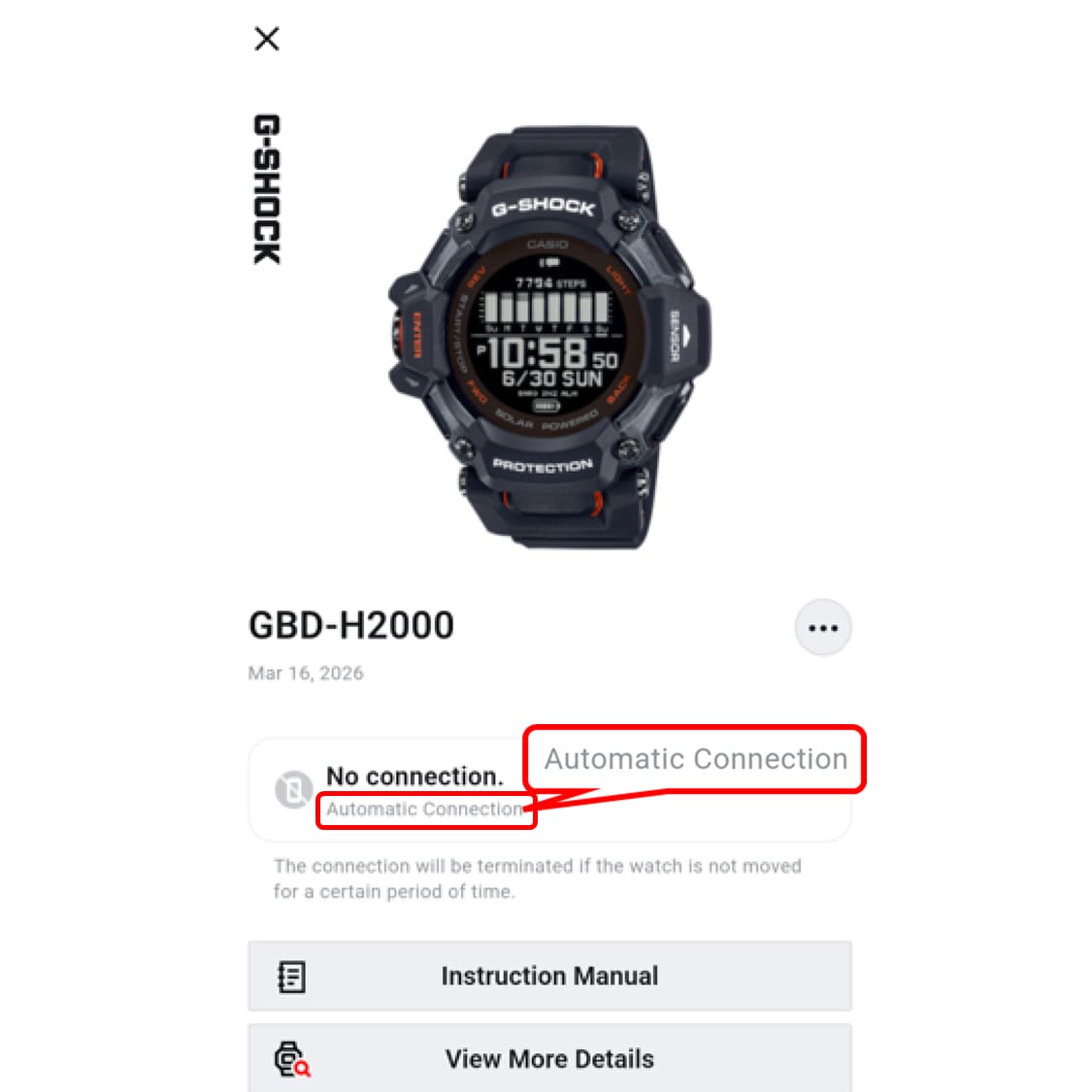
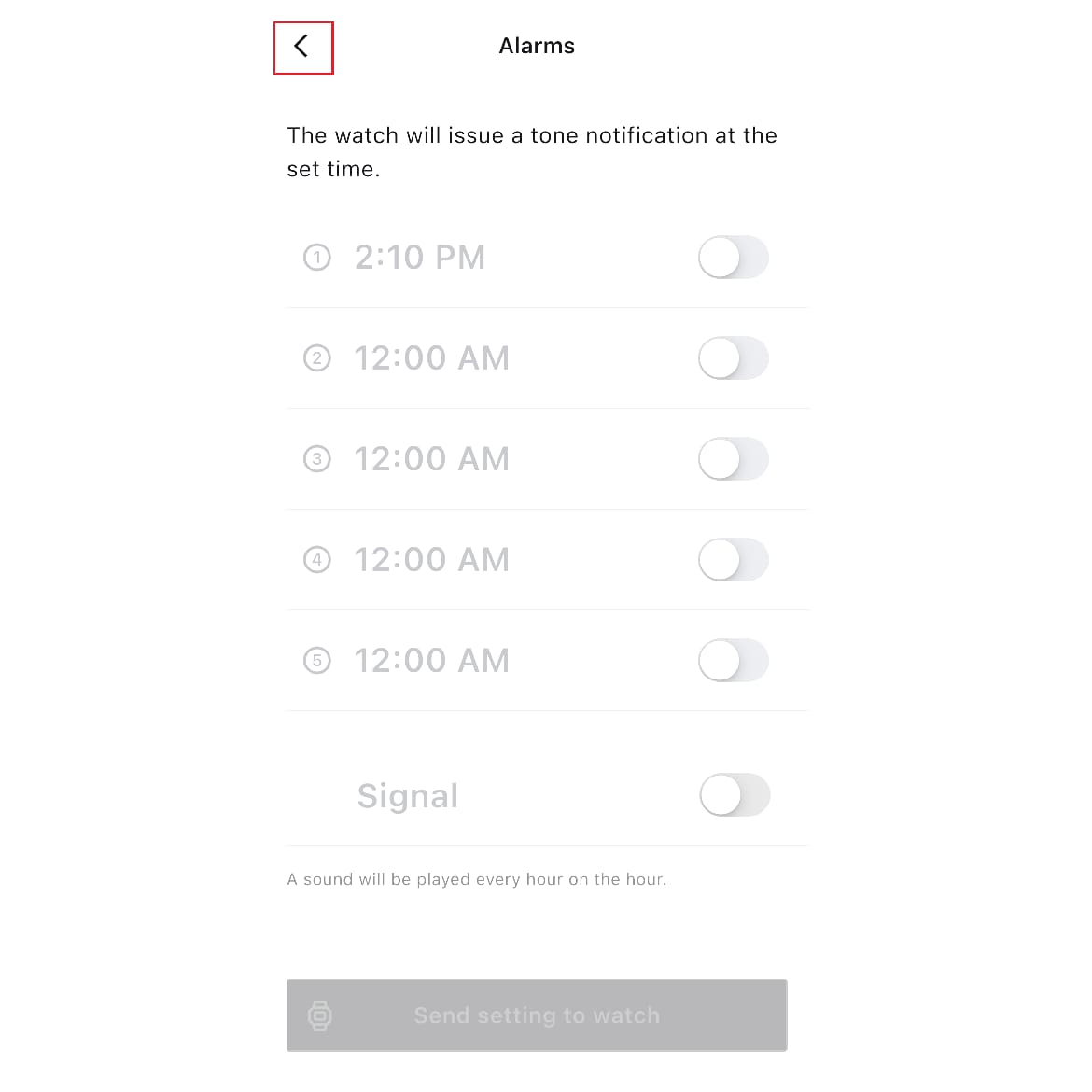
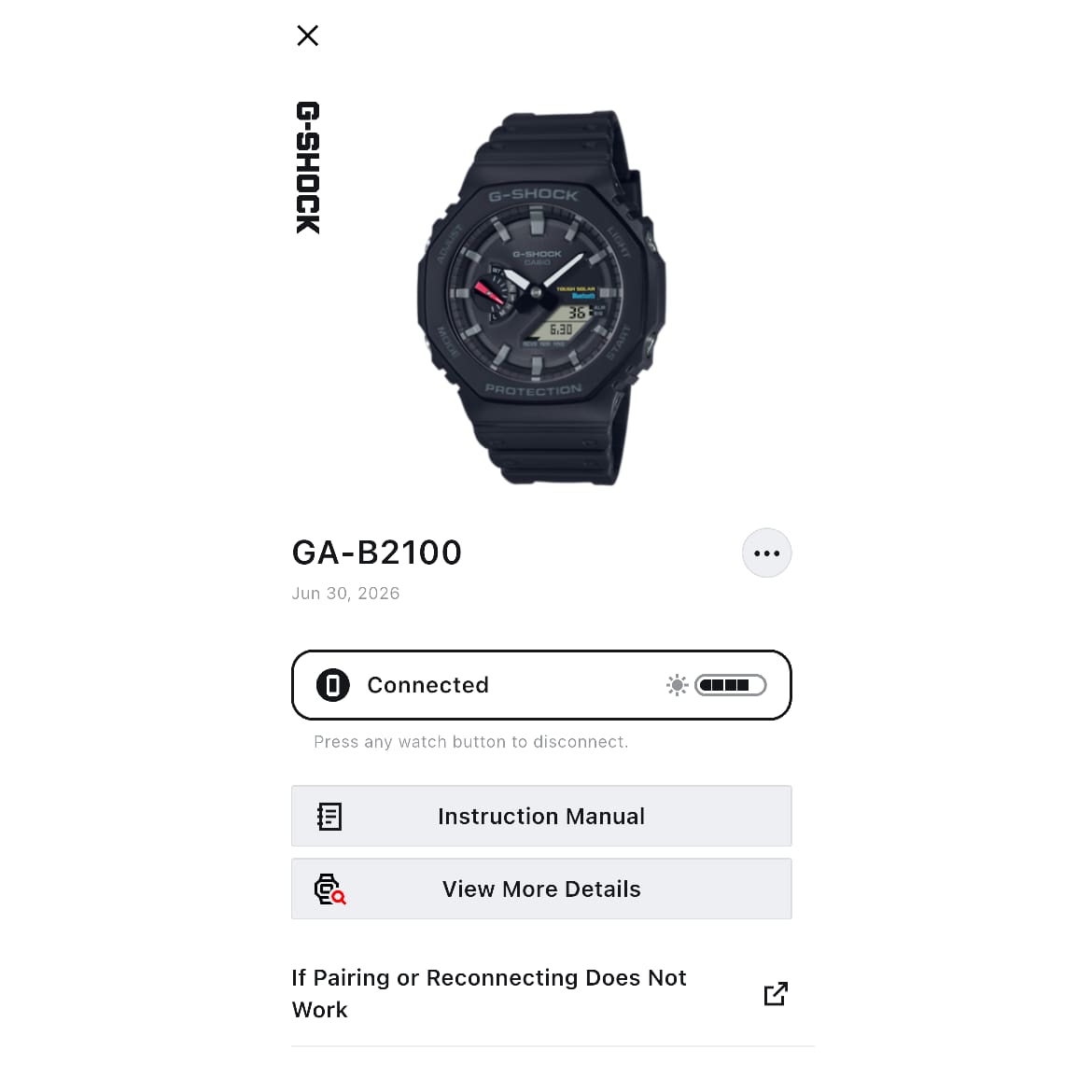
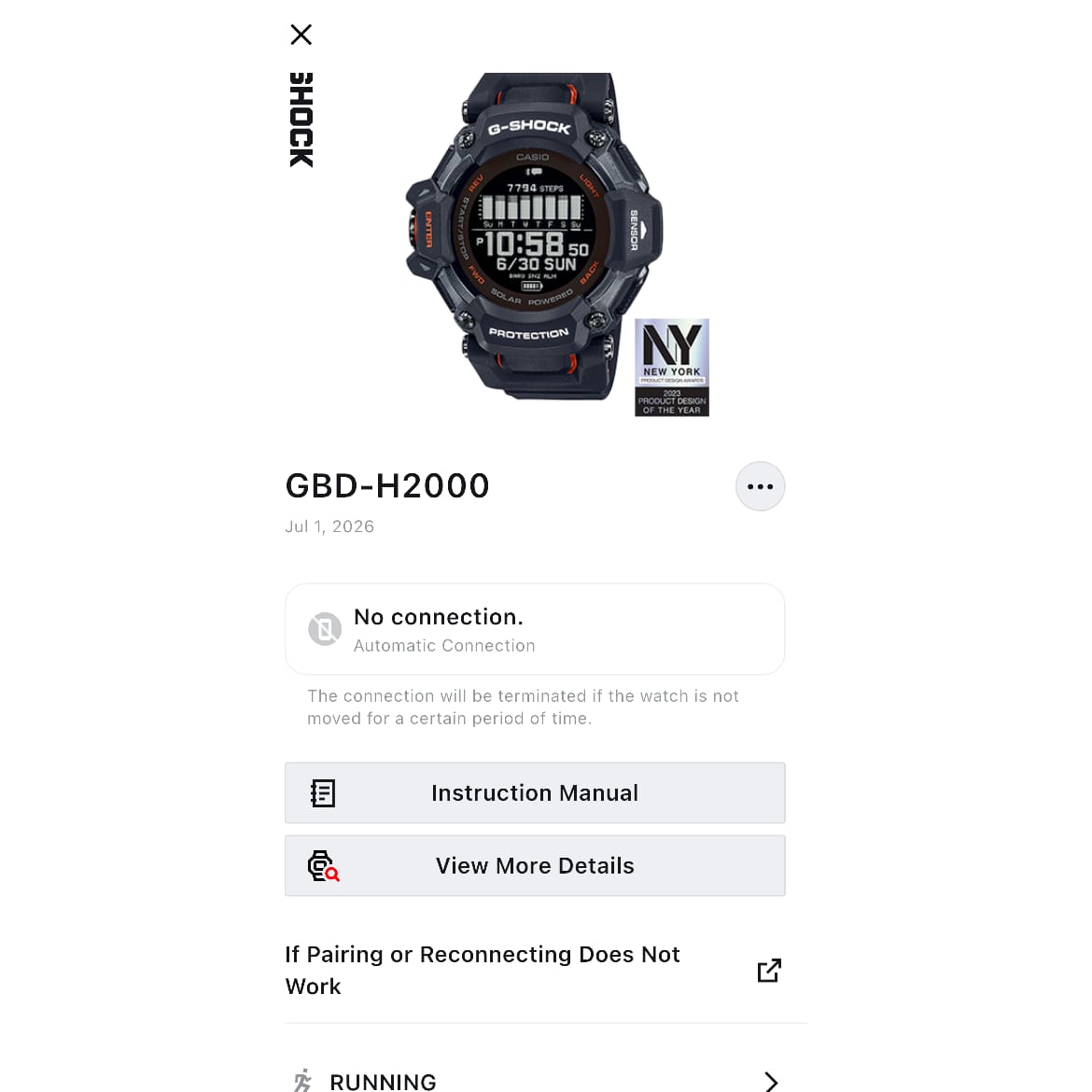
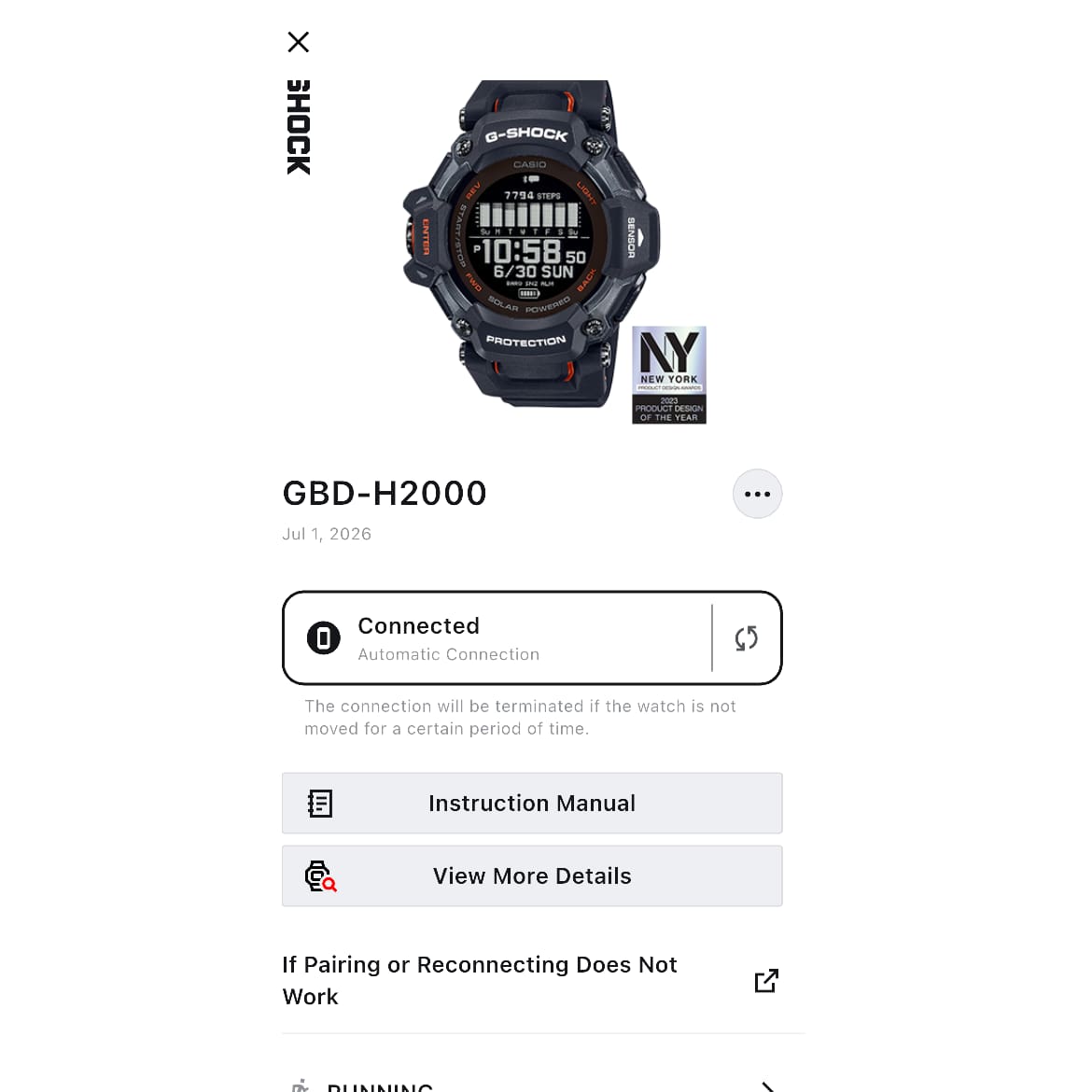
“My Watch” tab > Tap the relevant watch > You can check by looking to see if “Automatic Connection” is listed below ‘Connected’ or “No Connection.”
• If "Automatic Connection" is NOT displayed, your watch uses Part-Time Connection. Example: GA-B2100 (User’s Guide No. 5689)
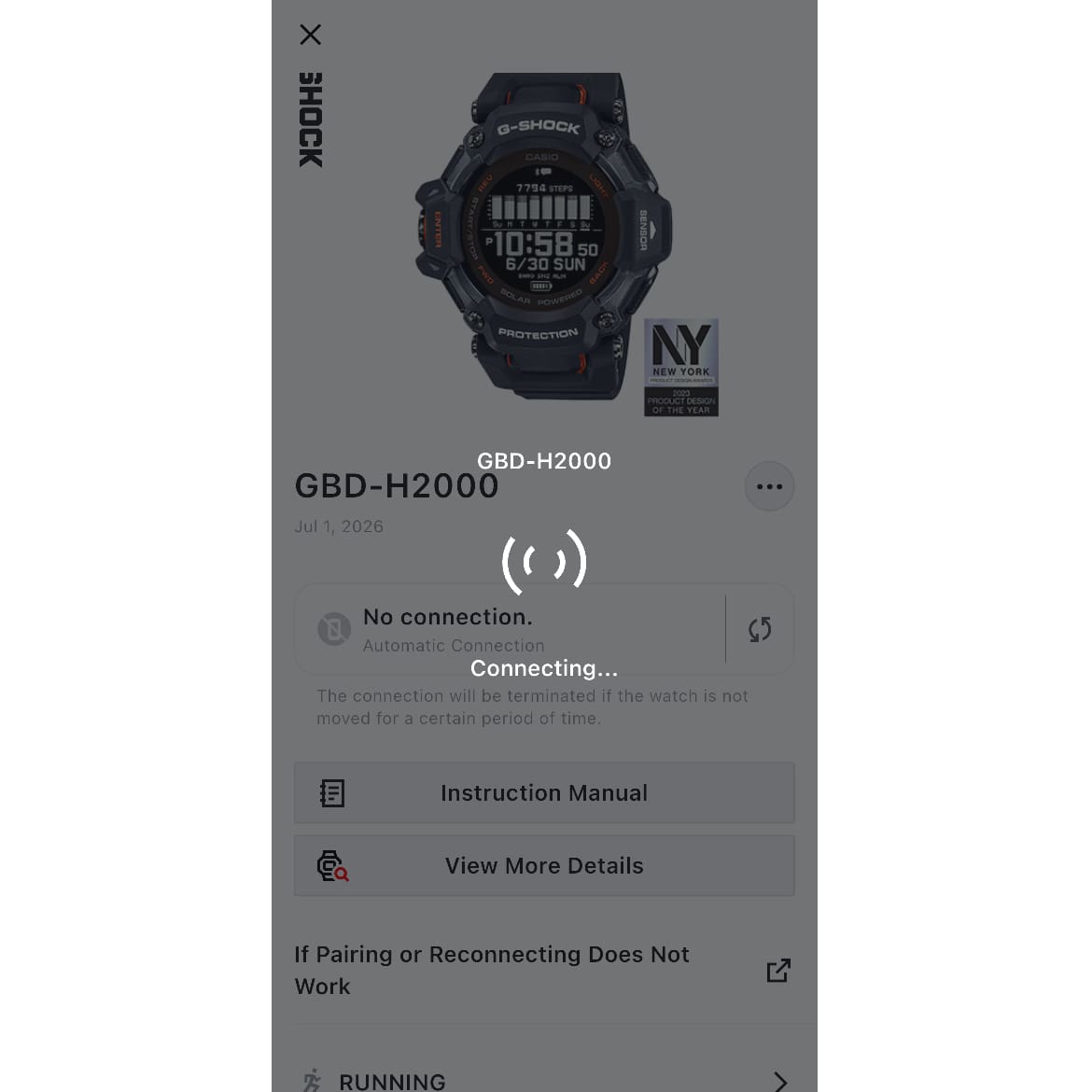
• If "Automatic Connection" is displayed, your watch uses Automatic Connection. Example: GBD-H2000 (User’s Guide No. 3515)
<Features>
● You can connect to your smartphone with a single tap, only when needed.
When connected, you can easily change the clock settings from the app.
The system is designed to automatically disconnect if no action is taken for a certain period of time while connected.
● The time is automatically synchronized with your smartphone four times a day.
●Even when traveling abroad to countries or regions with different time zones, simply connecting your smartphone and following the setup instructions will instantly adjust your watch to the local time.<How to connect>
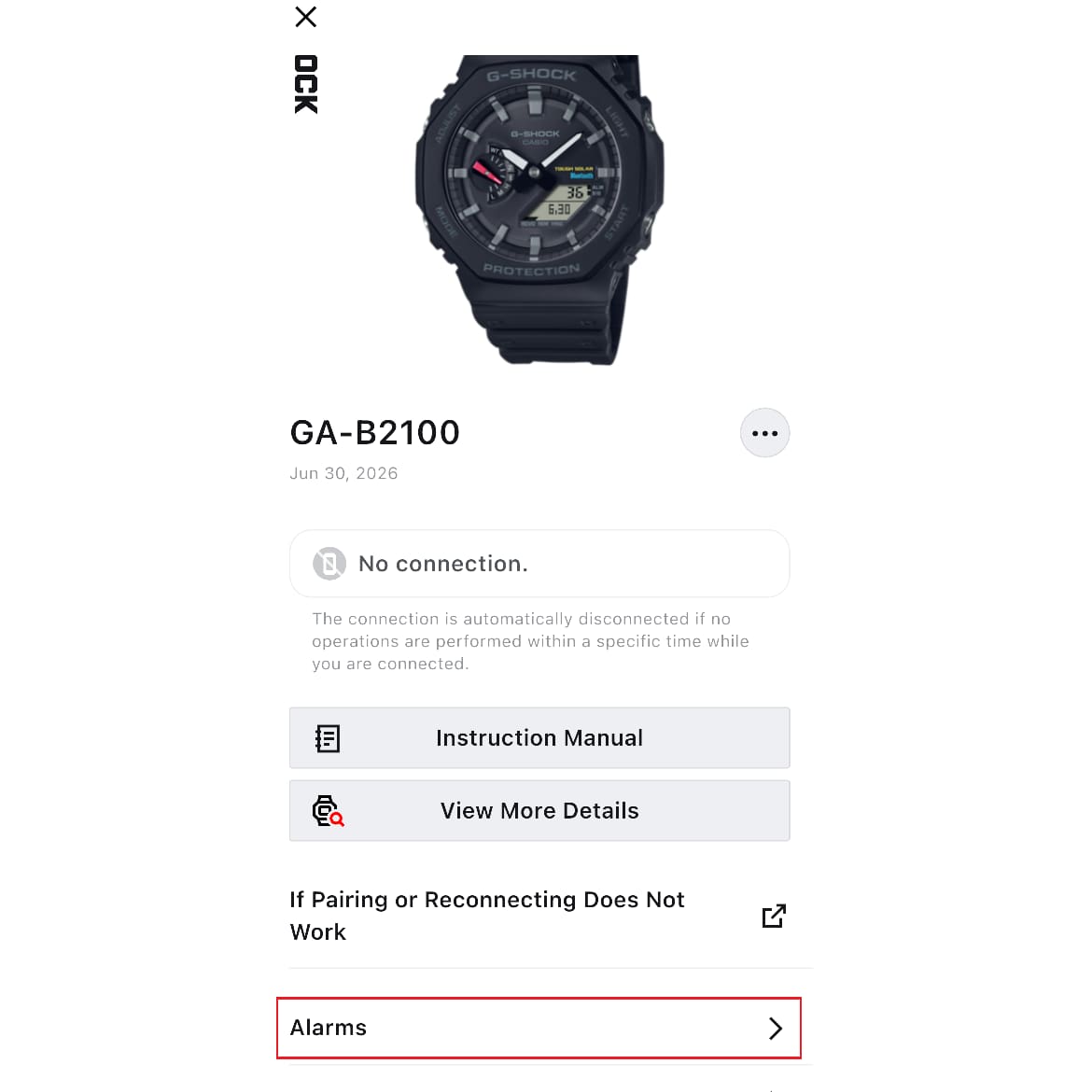
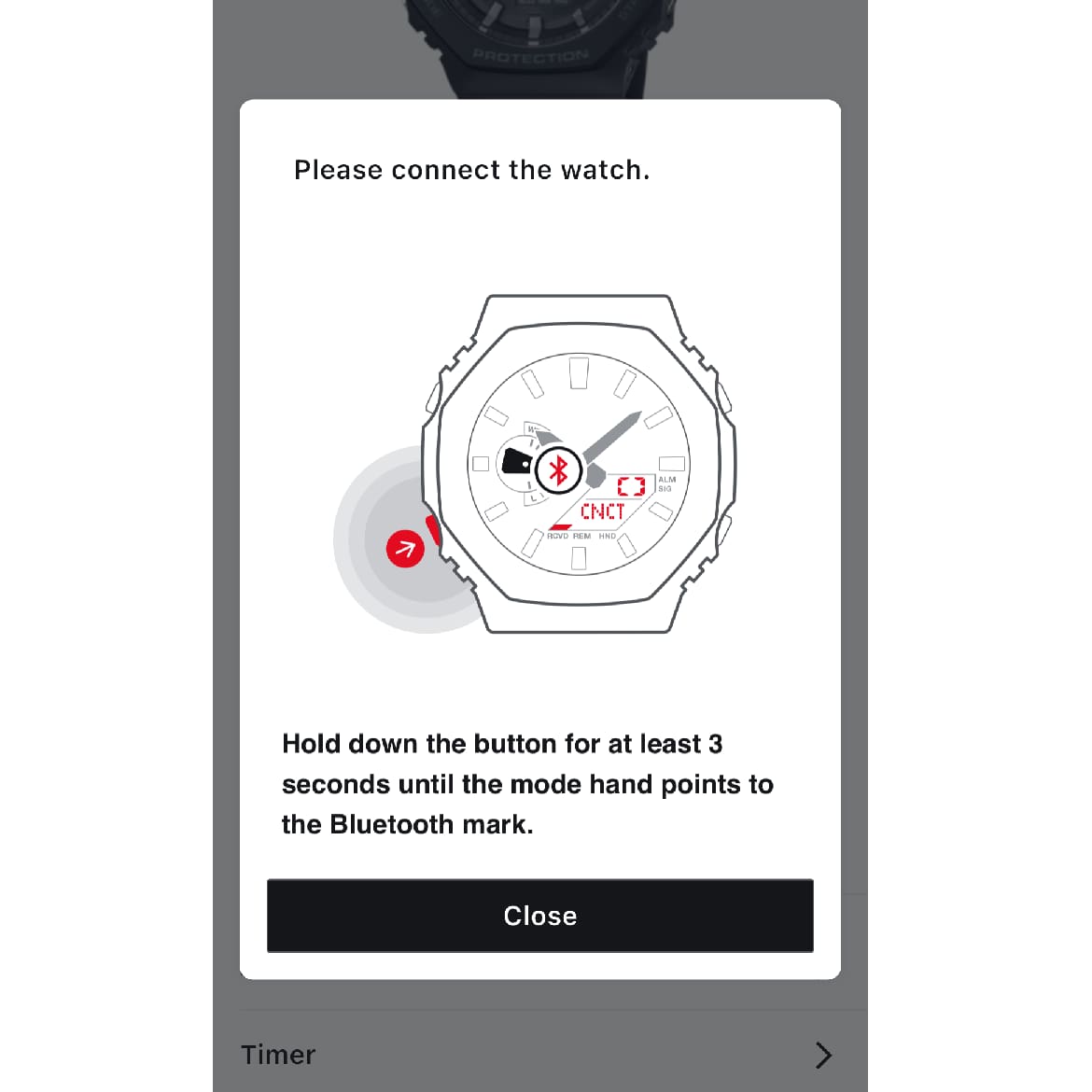
Tap the menu you want to configure to display the instructions, then follow the on-screen prompts to set up the watch and connect it.▼You can move the image left and right
<Features>
● Wearing the watch on your wrist maintains its connection to your smartphone, allowing you to easily change the watch's settings via the app.
If you do not move the watch for a certain amount of time, the connection will be lost, but it will automatically reconnect when you move the watch.
● The time is automatically adjusted once a day.
●Even when traveling abroad to countries or regions with different time zones, if the time zone of your connected smartphone changes, the watch will automatically adjust to the local time.<How to connect>
When you put the watch on your wrist, it will automatically begin connecting.▼You can move the image left and right
Note: To establish a connection, your smartphone and watch must be close to each other (within approximately 2 meters).
Note: Depending on your environment, connection or automatic time synchronization may not be successful.
Note: When using this product overseas, please verify that it complies with or has been certified under the Radio Wave Act in the relevant region.
(https://world.casio.com/ce/BLE/)