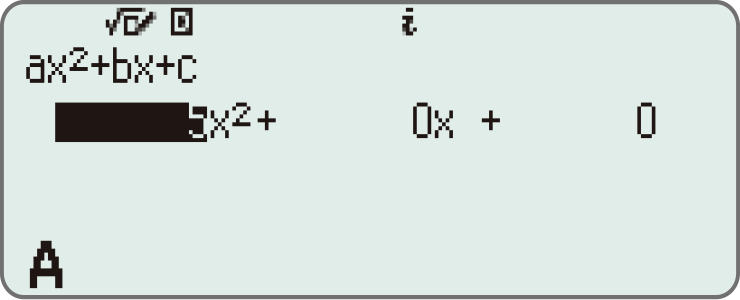
fx-85GT CW+ Blue

Free Standard Delivery
For orders over £50
Secure Payment


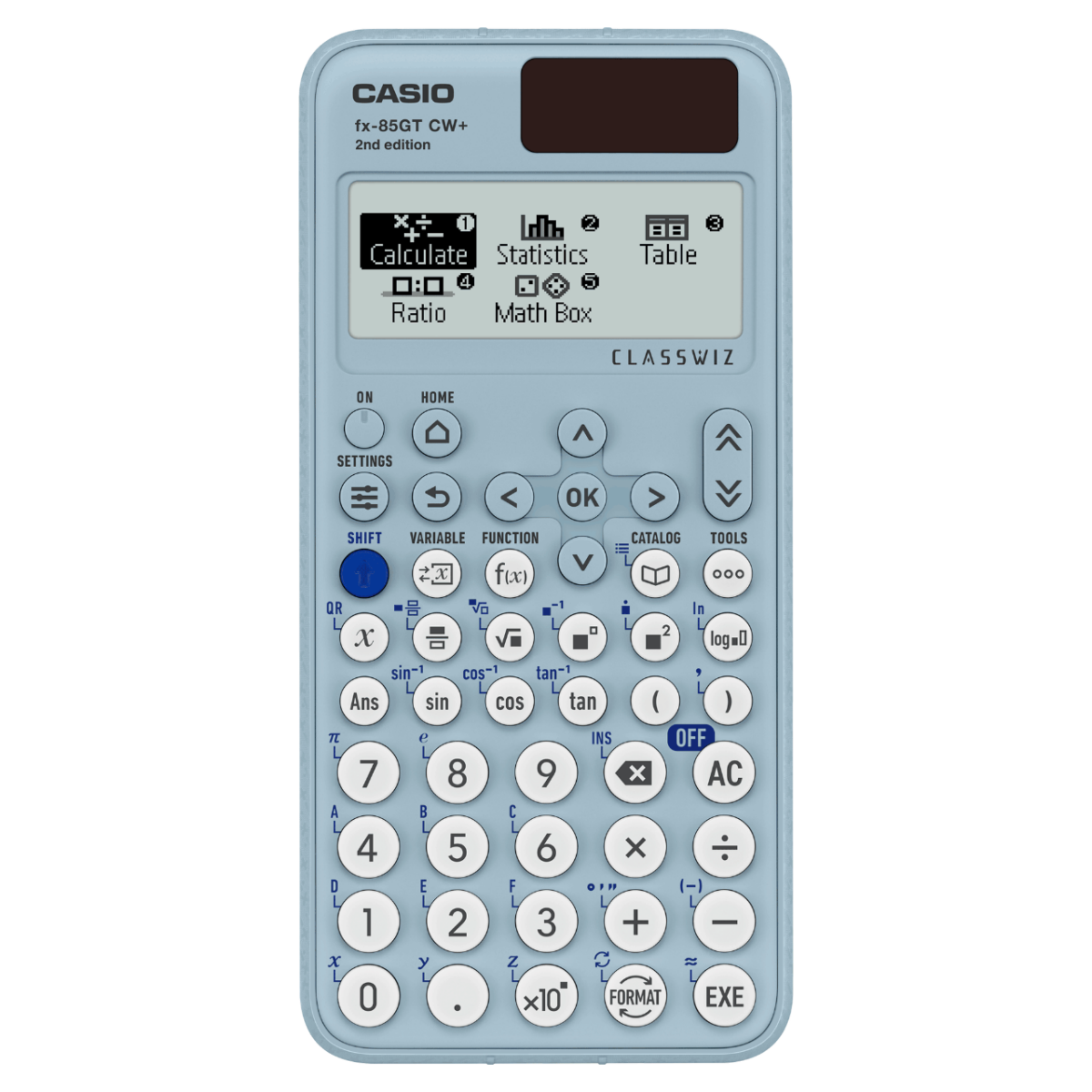
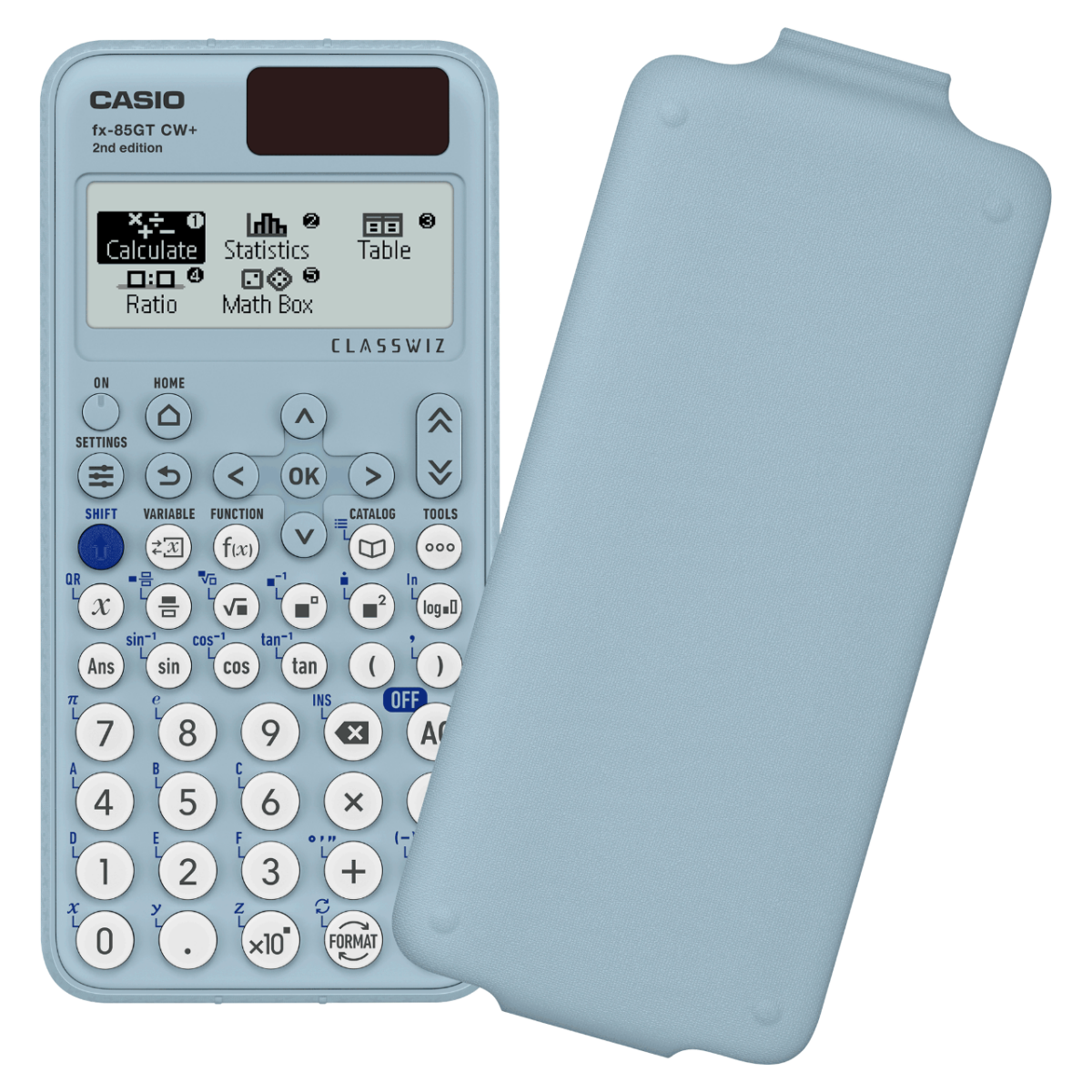
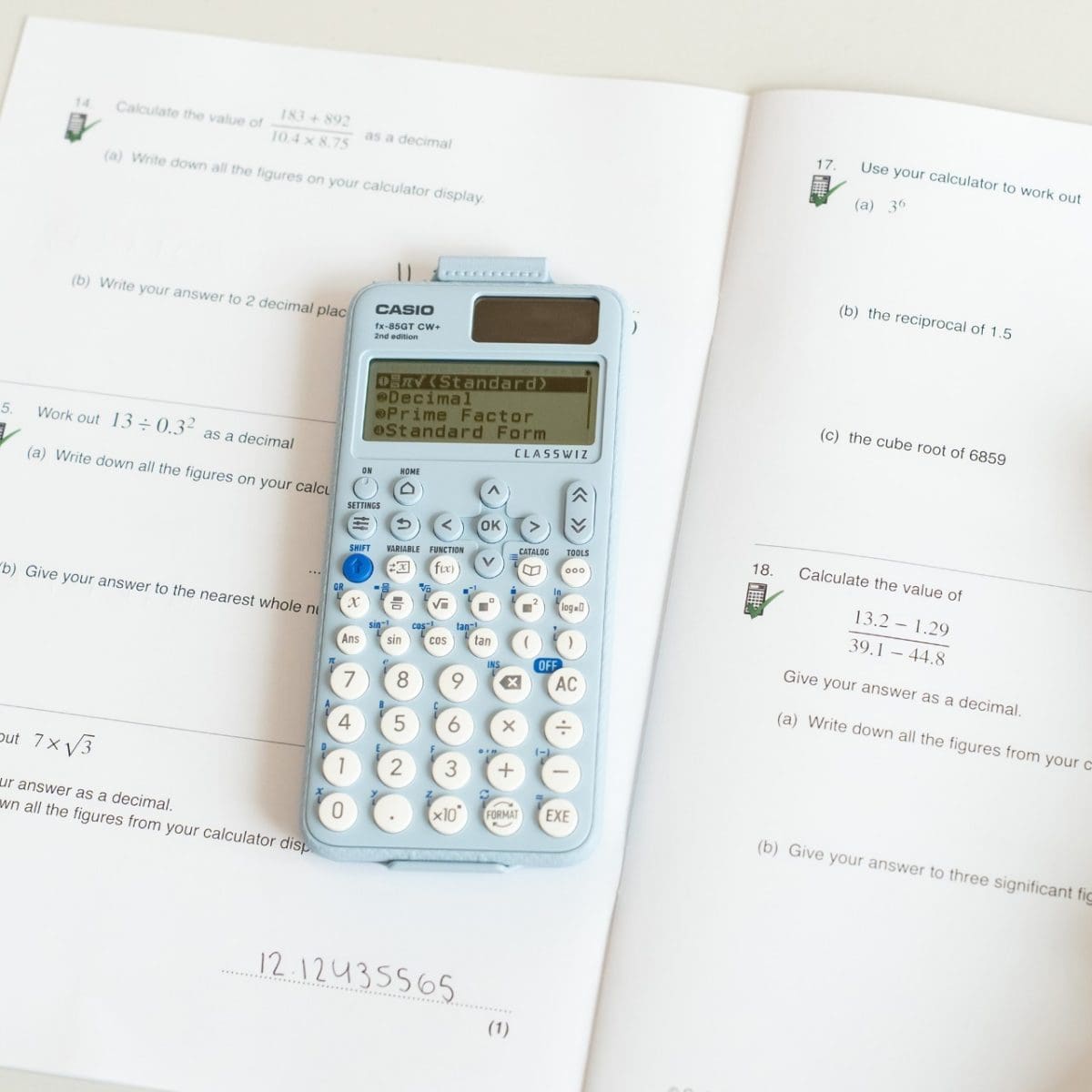
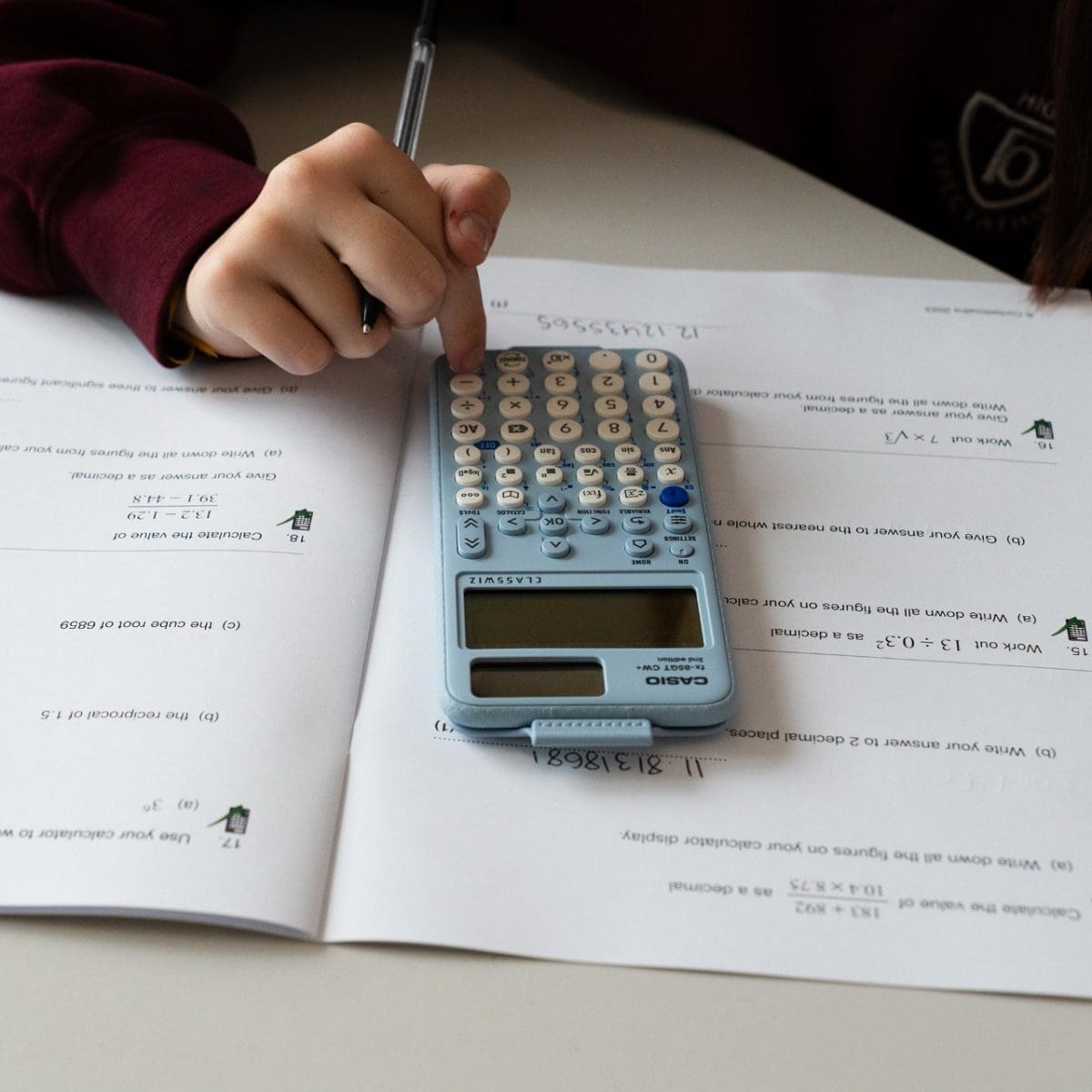
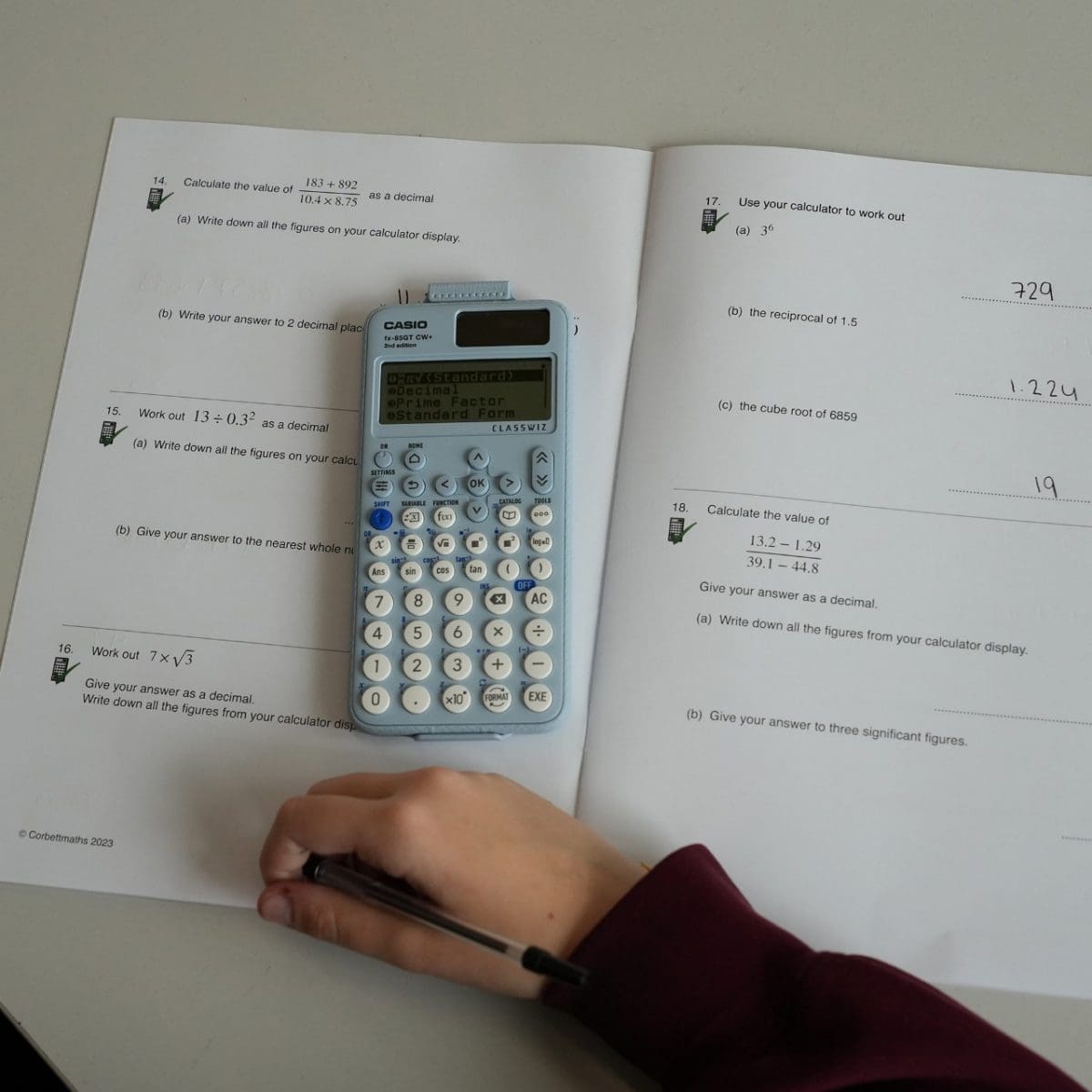
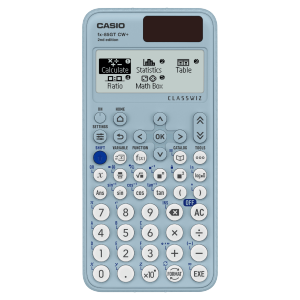
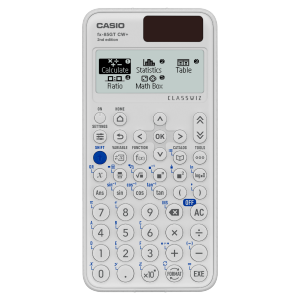
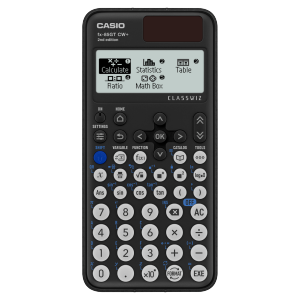
CASIO fx-85GT CW+ SKY BLUE SCIENTIFIC CALCULATOR The Casio fx-85GT CW+ is the UK’s most popular dual-powered scientific calculator, and is allowed in every UK exam where a calculator can be used. Made using up to 90% recycled materials, depending on model, the range will be available in four colour choices, with a standout new green model leading the collection. Recommended and approved for Key Stages 3 & 4 (including GCSE, National and Higher, Junior and Leaving). The fx-85GT CW+ is now even better, as it has been improved based on feedback directly from teachers and educators, improvements include: ● S<>D is easily accessible in one-press via the updated FORMAT key toggle ● Shortcuts are readily available in all menus by using the represented number keys for efficient navigation ● Standard Form conversion via [shift] FORMAT menu ● [shift] CATALOG provides quick access to most used functions You will continue to appreciate: ● Large and clear HD Natural Textbook Display, it shows mathematical expressions as they appear in textbooks ● 290 functions including HCF, LCM and recurring decimals ● A calculator designed and optimised for UK and Ireland curriculums ● Practical apps for teaching, learning and assessment ● Solar powered with battery back up and auto power off ● Intuitive key layout and menus, quick and easy to navigate to access more functionality ● 4-tone input display with an improved font ● Responsive keys that work when pressed at any angle ● A clip-on protective cover ● Free 3-year guarantee included ClassWiz+ colours available on the fx-85GT CW+ include; space black, ice white, sky blue and sea green. View our Model Comparison Chart to find the right calculator for you
Features
ClassWiz+ Built with Purpose.
Intuitive, approachable new design
High-definition & 4-gradation display
With the 4-gradation display, the current input location is displayed in a darker colour.
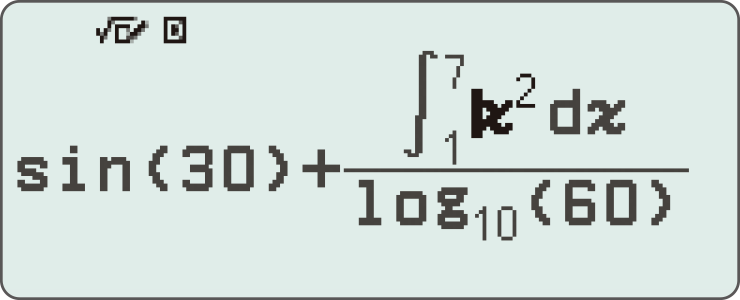
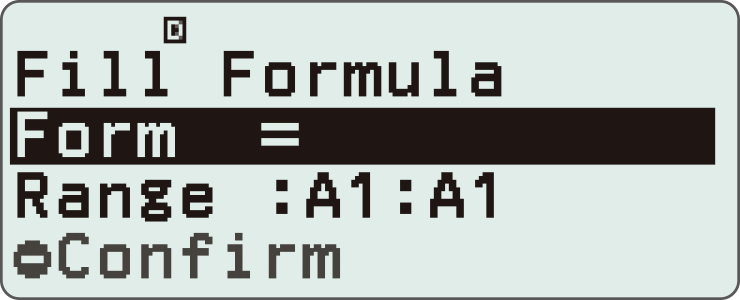
Smoother navigation with updated cursor key display
Changing the cursor key markings from engraved to printed enhances key visibility, making it easier to distinguish between keys and thereby improving operability.
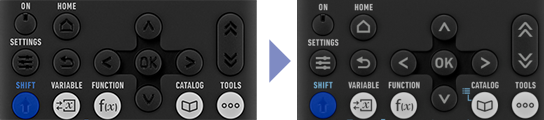
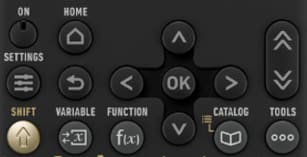
Intuitive cursor operation
Simple cursor-based operations and a key layout that follows the natural flow of use.
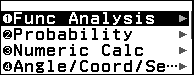
Shortcut keys for easy selection of apps and commands
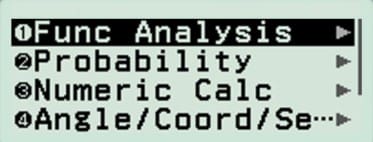
Instead of using the cursor keys, just press the corresponding number key to quickly select the desired option.
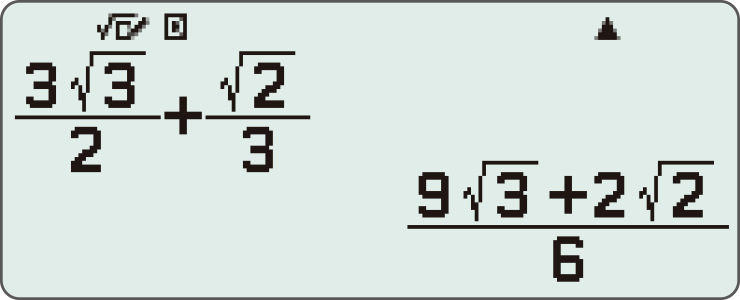
Natural Textbook Display
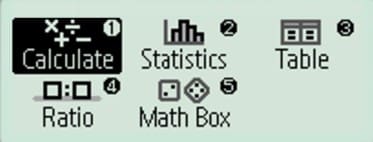
Intuitive, easy-to-learn icon display
List display function for thorough, speedy learning
High-speed calculation
Fast calculation for smooth performance in class or during examinations.
Easily switch between Standard notation (fractions, √, π) and Decimal notation with a single key.Select your preferred format from the display options list.

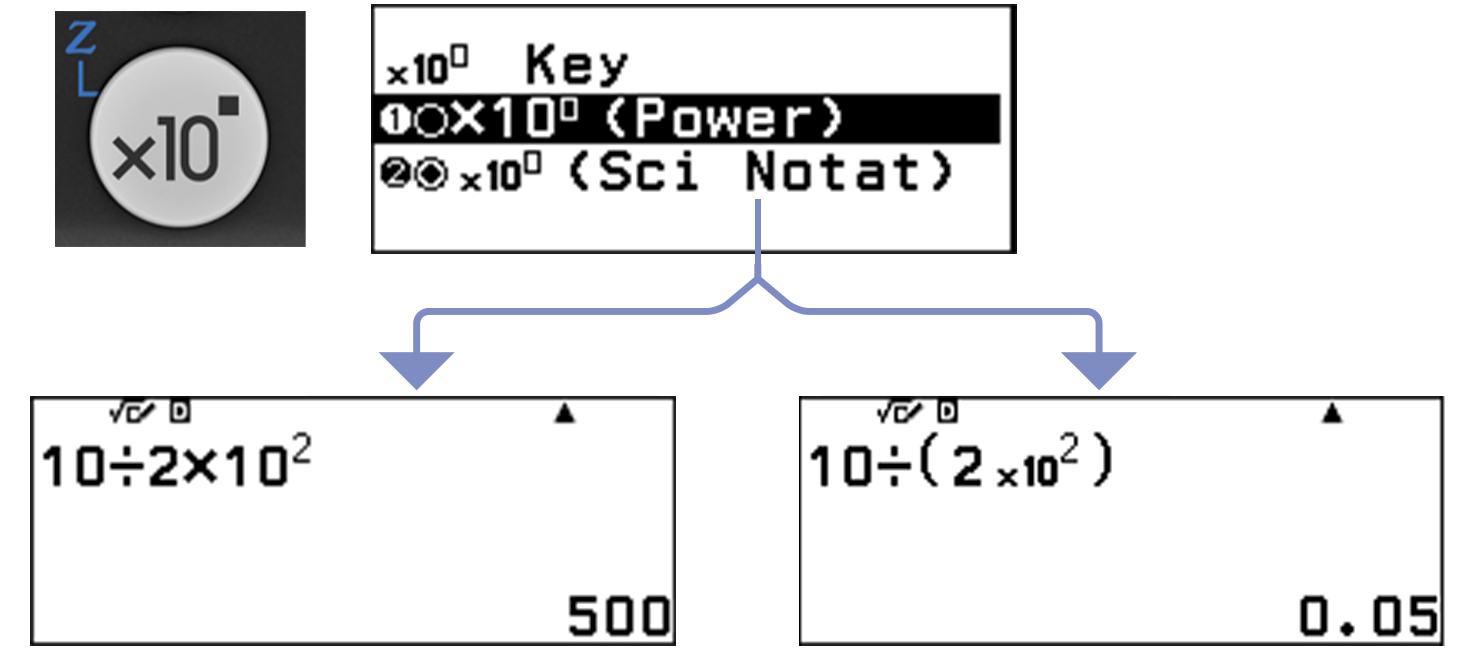
Effortlessly perform power and scientific notation calculations with a single key press.You can configure the calculation type in the settings menu.
Packed with features to encourage learning
Calculator Apps
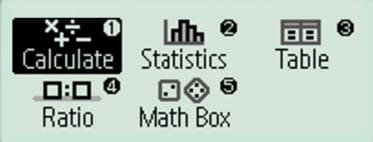
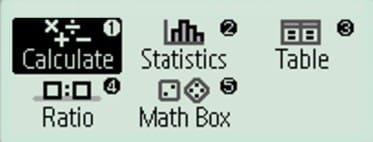
Easily select a calculator app from the Home screen that is suitable for the type of calculation that you want to perform.
Maths Box
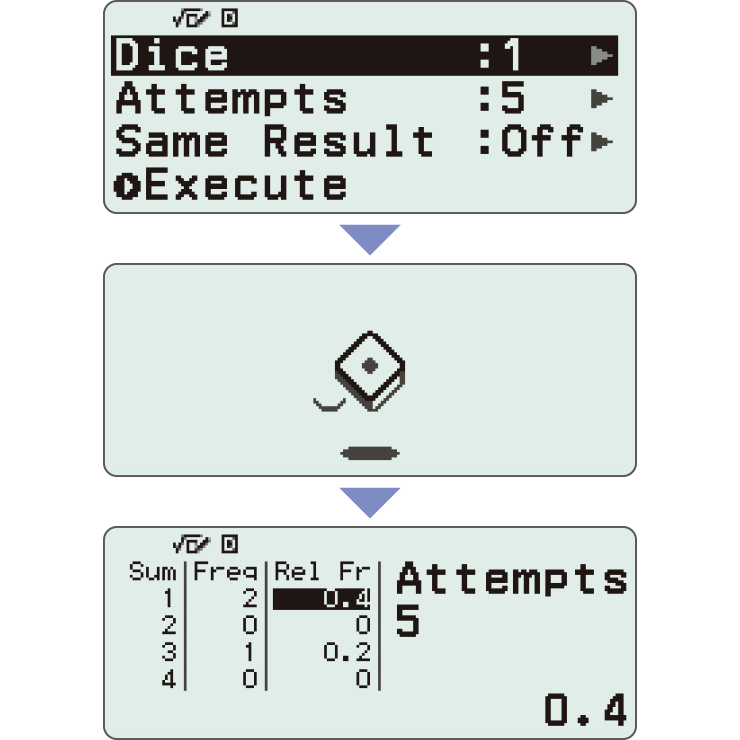
Use the Math Box app to roll dice, flip a coin, work with number lines, and explore trigonometric circles — all to support your learning of math.
*Screen images might differ from the final product.
Calculate

General calculations
Statistics
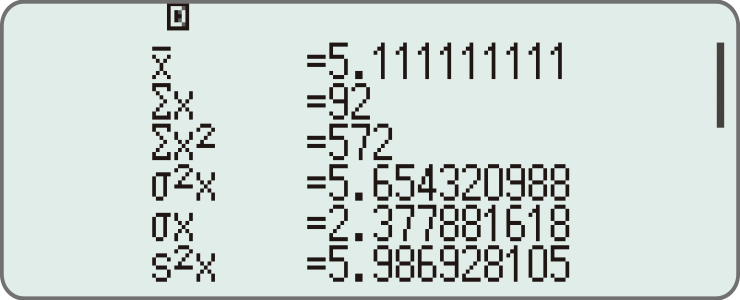
Statistical and regression calculations
Table
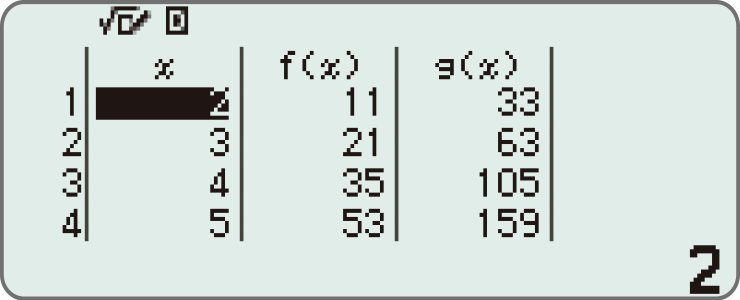
Generates a number table based on one or two functions
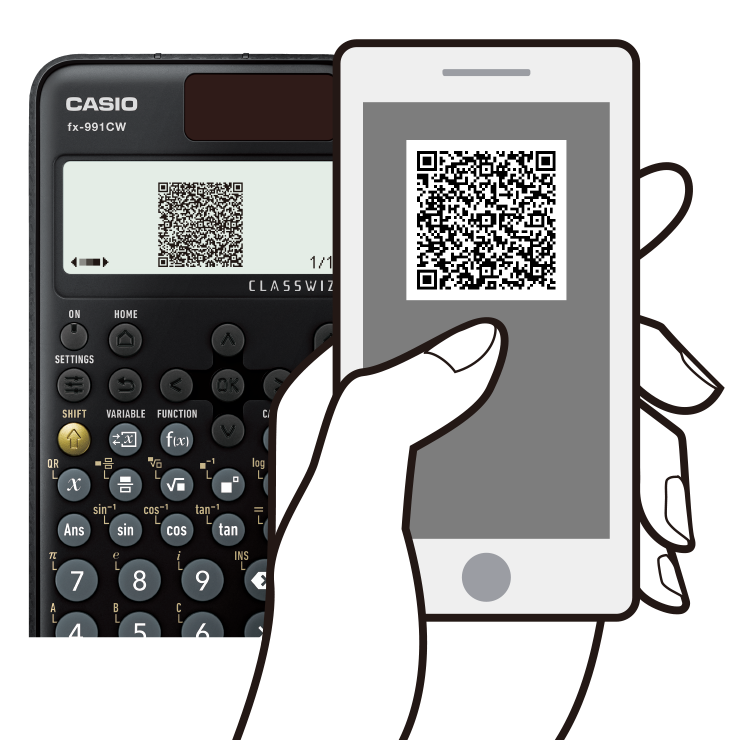
Online visualisation service using QR codes
Easily generate QR codes of equations input into the calculator. Graphs and other graphics can be displayed on smartphones or tablets.
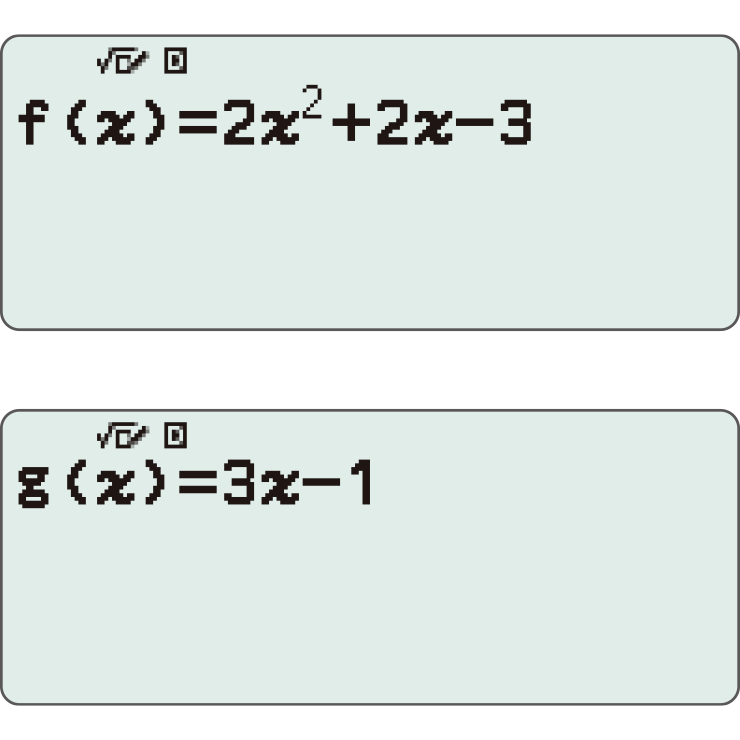
1. Input data
2. Generate & scan QR code
3. Graph on smart device
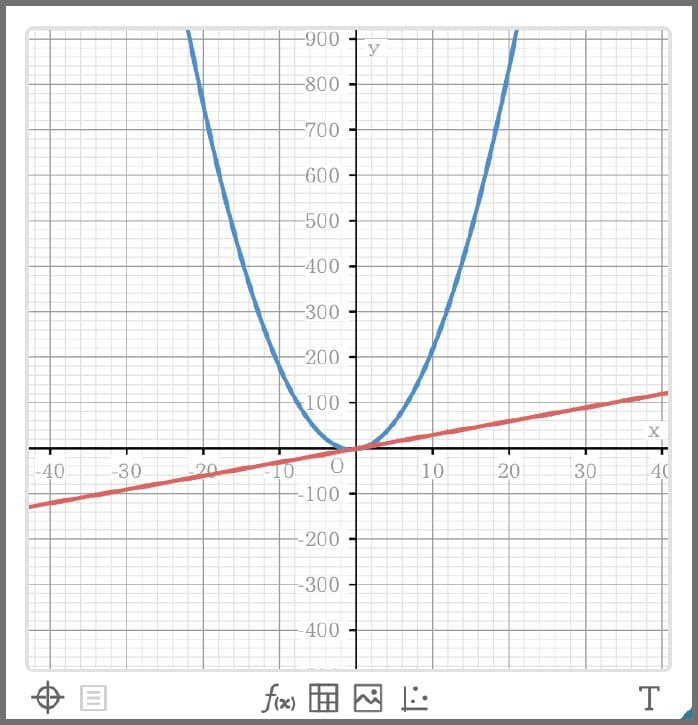
4. Analyse graph
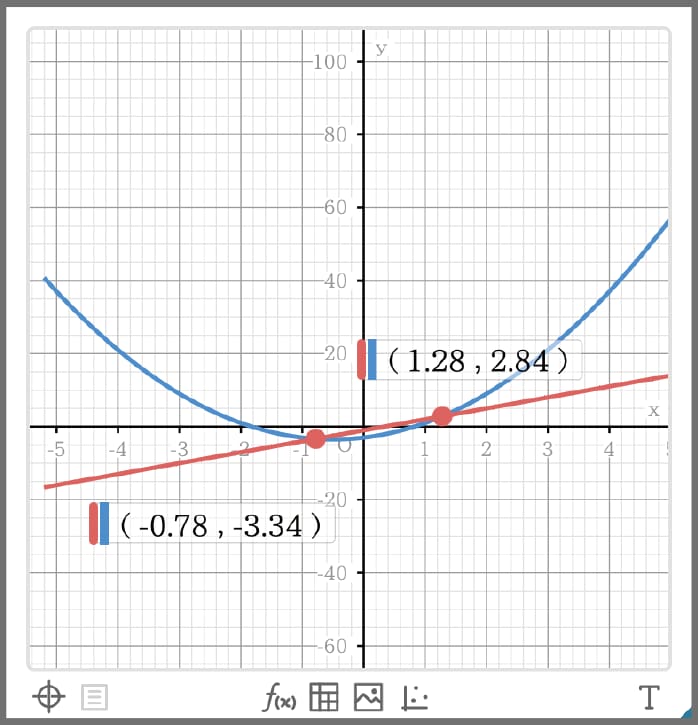
Variety of functions that are available in calculator apps to support students' learning.
CATALOGUE

The CATALOGUE menu shows Store values to variables categories of commands, functions, and symbols according to the calculator app that you are currently using and the current status of the app (the displayed screen or current settings).
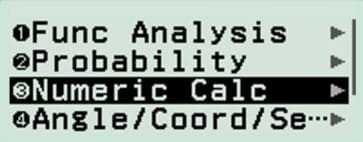
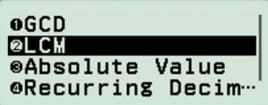
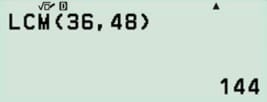
You can also view all items stored in the Catalog in a single, easy-to-browse list.

Function memory
You can store functions in both the f(x) and g(x) memory.
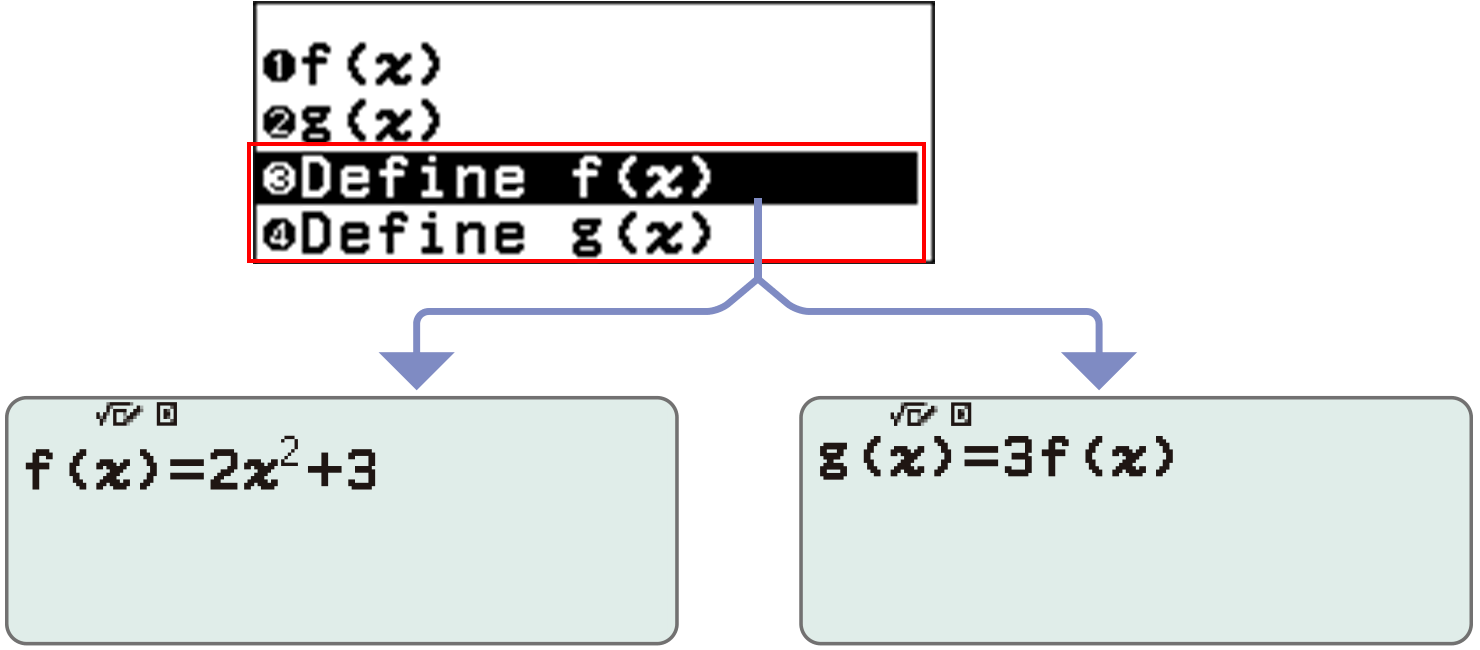

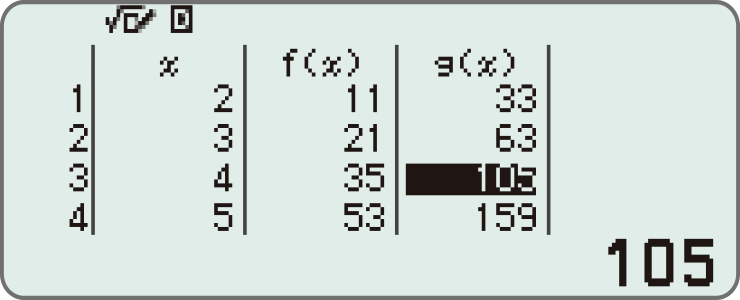
Examples:
Create a table in the Table app
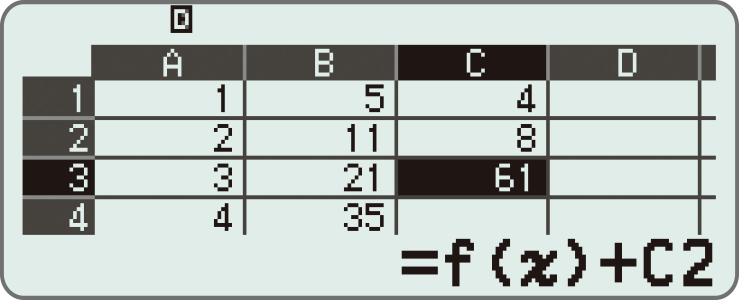
Call from a spreadsheet (fx-991CW+ UK only)
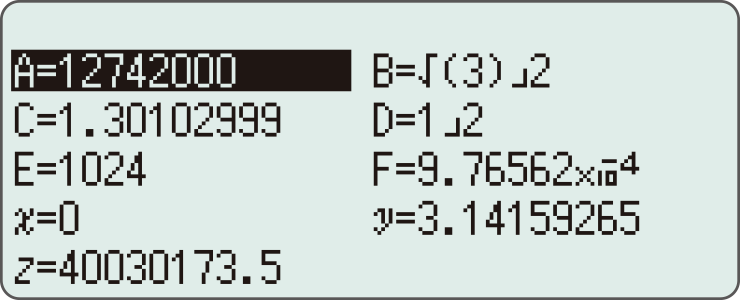
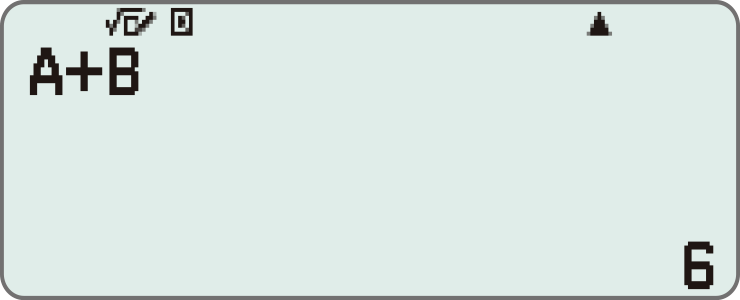
Variable memory

You can store values to variables and use the variables in calculations.
<Things you can do with the Variable key>
Display the variable list screen
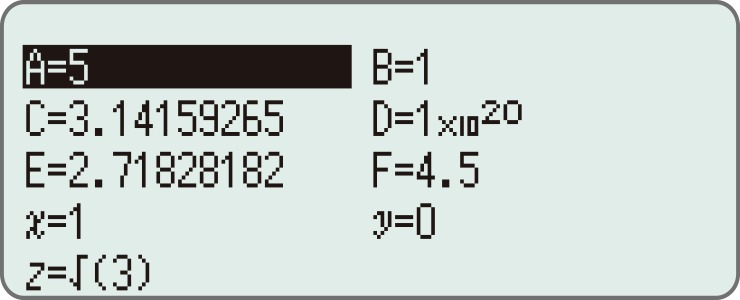
Store values to variables


Use saved values in calculate app
Equation app (fx-991CW+ UK only)