CASIO WATCHES APP Connection Start Guide
ここから下は(仮)
▶ スマートフォンの機種変更をした場合
▶ エラー表示になりアプリにログインできない場合
▶ ペアリングや接続ができない場合・動作が不安定な場合
▶ 接続しても針の位置(時刻/日付/曜日など)が合わない場合(針の基準位置修正)
▶ 着信通知ができない場合
▶ 自動時刻合わせができない場合
▶ 時計ソフトウエア更新ができない場合
▶ メーカー別スマートフォンの設定
▶ よくあるご質問(FAQ)
▶ サポートにお問い合わせ
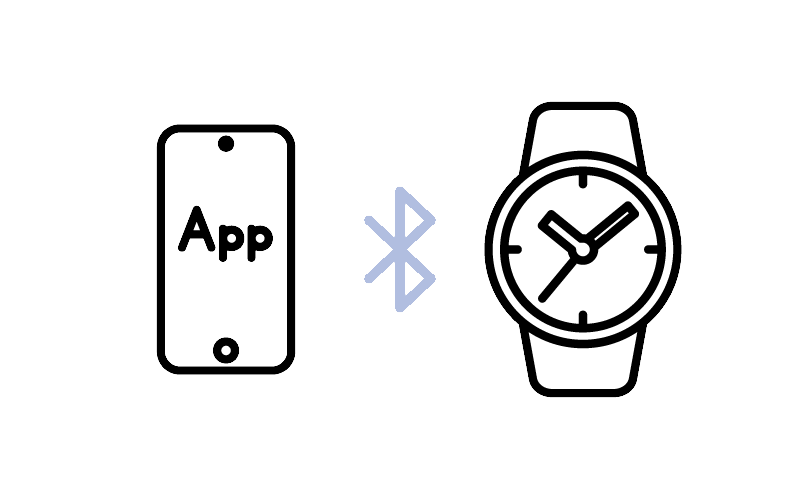
Pair your smartphone with your watch and get started.
By pairing and connecting your watch to the app, you can automatically set the time and easily change the watch's settings from the app.
Note: For more details, click here (Features vary by model)
This guide explains how to set up your watch after purchase.
ここから下は(仮)
▶ スマートフォンの機種変更をした場合
▶ エラー表示になりアプリにログインできない場合
▶ ペアリングや接続ができない場合・動作が不安定な場合
▶ 接続しても針の位置(時刻/日付/曜日など)が合わない場合(針の基準位置修正)
▶ 着信通知ができない場合
▶ 自動時刻合わせができない場合
▶ 時計ソフトウエア更新ができない場合
▶ メーカー別スマートフォンの設定
▶ よくあるご質問(FAQ)
▶ サポートにお問い合わせ
User guide
▼Please select your smartphone
Note: Go to the information page


Note: Apple and iPhone are trademarks of Apple Inc., registered in the U.S. and other countries.
Note: Android, Google, and Google Pixel are trademarks of Google LLC.
Note: All other company and product names are trademarks or registered trademarks of their respective owners.