




From setup to practice to inspiration — all in one place.
A free app that takes your music further.
Easily adjust your instrument settings, view digital sheet music, learn songs through interactive play, and experience the excitement of virtual live performance. Designed to make your time at the keyboard smoother and more engaging, the app naturally invites you to keep playing and discovering something new. When you’re ready to explore CASIO instruments and the world of music, start with CASIO MUSIC SPACE.
Update Notice
Update Details
[Major Renewal]
- Browse social media posts related to CASIO electronic musical instruments from official CASIO accounts and users.
- Discover a wide range of content and news about CASIO electronic musical instruments.
Update Details
[Score Viewer]
- Added the ability to markup PDF sheet music (save/load markup content)
[Music Player/Live Concert Simulator]
- Added support for playback of songs from music streaming services (Spotify/Apple Music)
Added support for the new CELVIANO AP-S450 / 550 / 750
[Piano Remote Controller]
- Compatible with various functions of the new CELVIANO AP-S450 / 550 / 750
[Music Player]
- Save/load tone settings for each piece


Click here to download the application


- Check the App Store/Google Play for compatibility information regarding your smart device model and OS.
Notes about Android 13

Supported Models
Digital Pianos
CELVIANO
AP-265, AP-270, AP-470, AP-S190, AP-S200, AP-300, AP-S450, AP-550, AP-750
Privia
PX-765, PX-770, PX-870, PX-S1000, PX-S1100, PX-S3000, PX-S3100, PX-S5000, PX-S6000, PX-S7000
CDP
CDP-S90, CDP-S100, CDP-S105, CDP-S110, CDP-S150, CDP-S160, CDP-S350, CDP-S360
Digital Keyboards
Casiotone
CT-S1, CT-S1-76, CT-S190, CT-S195, CT-S200, CT-S300, CT-S400, CT-S410, LK-S245, LK-S250, LK-S450, CT-S500, CT-S1000V
※Note that not all models support all features of the app. Please see here for details.
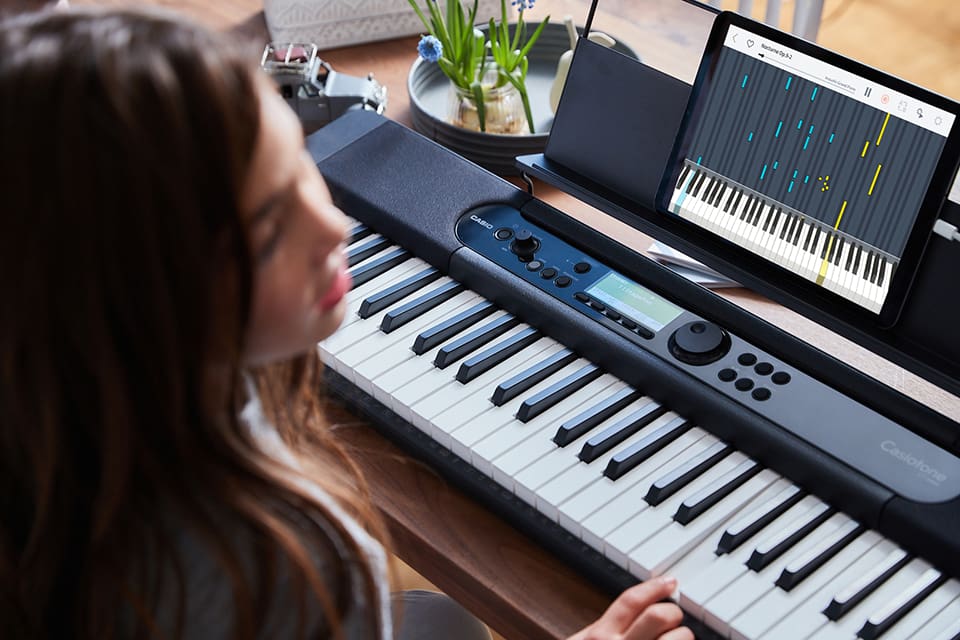
Recommended for people who:

Want to take up playing piano

Want to be able to practice at home

Want to have fun learning while playing

Are not confident reading music
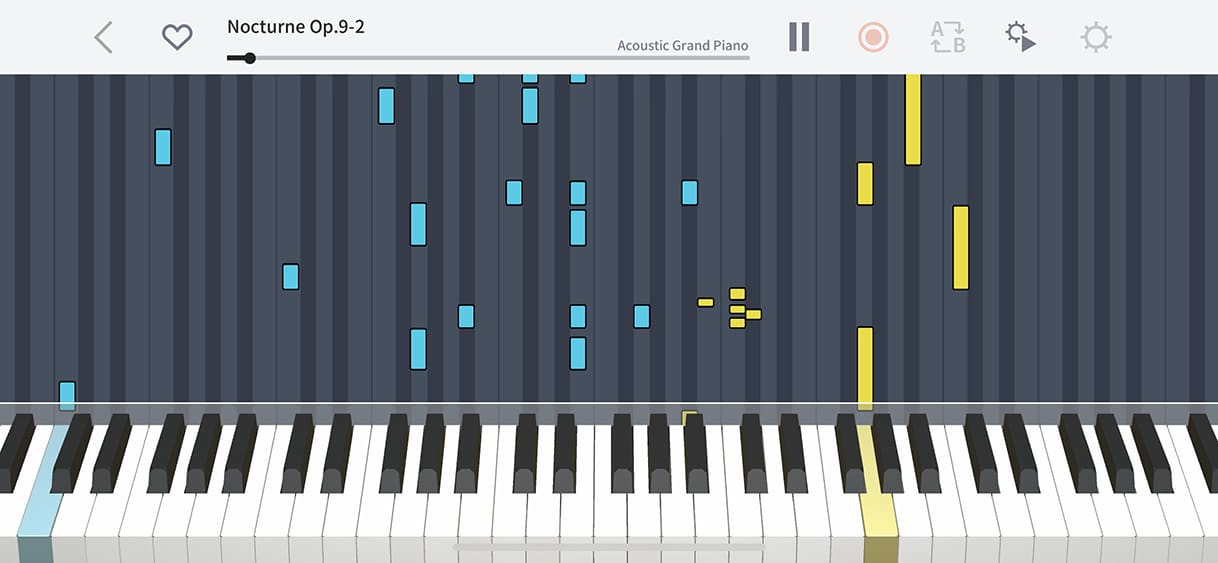
The piano roll makes it easy to see which notes to play even if you don’t read music. It’s a great way to have fun learning while playing.
The pitch and duration of each note is visualized in real time as the song plays, making it easy to find the correct notes of the chords or melody.

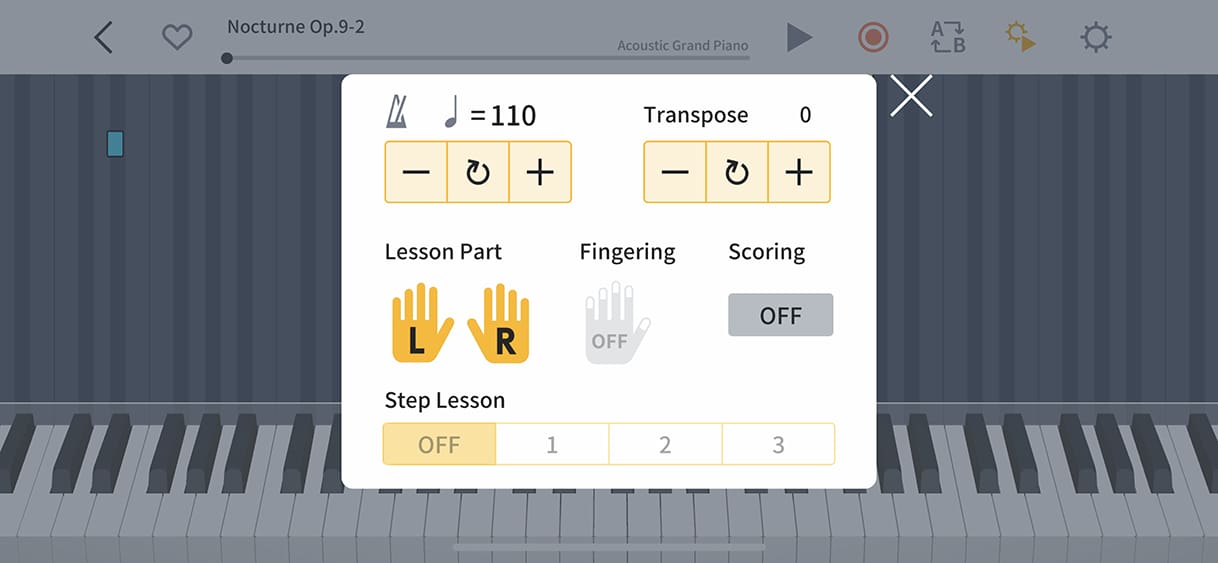
Practice at Your Own Pace
If the tempo is too fast, slow it down and practice the difficult parts as many times as you need to until you’ve mastered them.

See Your Progress with Scores and Recording
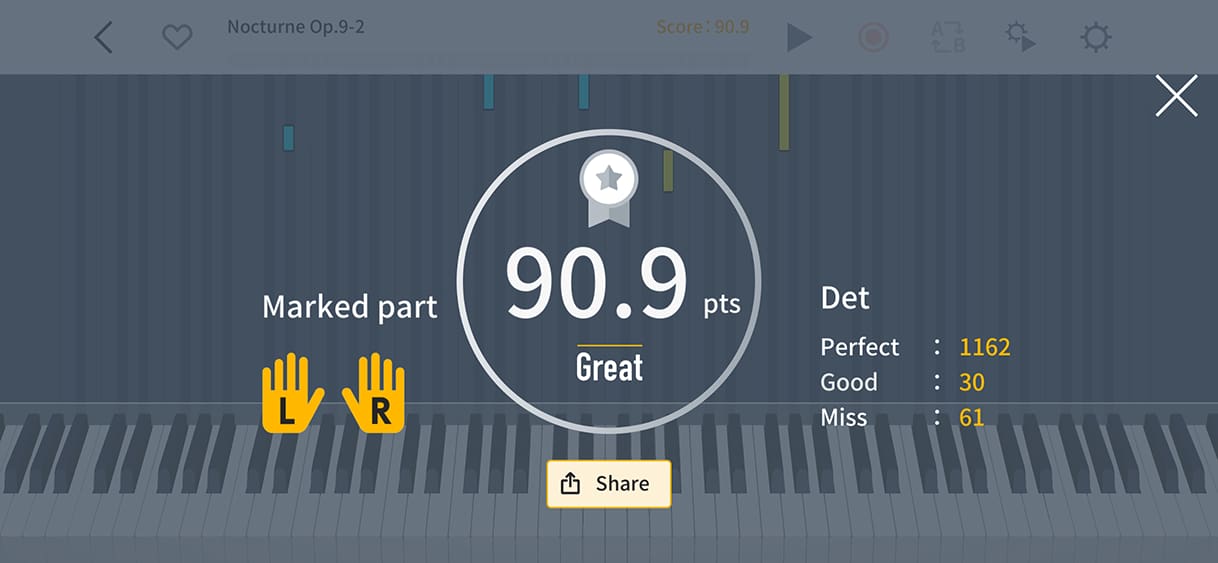
See how well you played with a score automatically calculated by the app, and listen back to your performance with the recording feature.

A Varied Library of Songs to Choose from
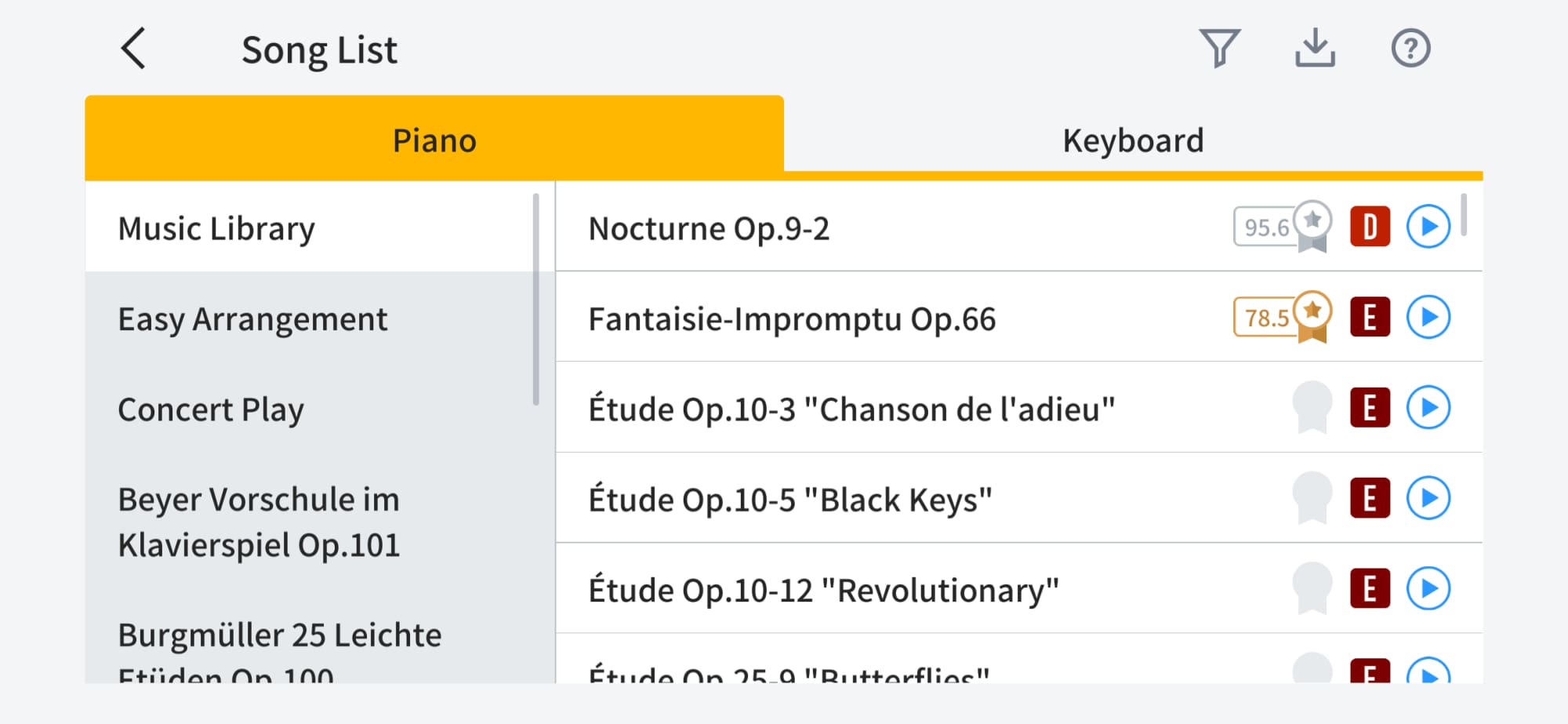
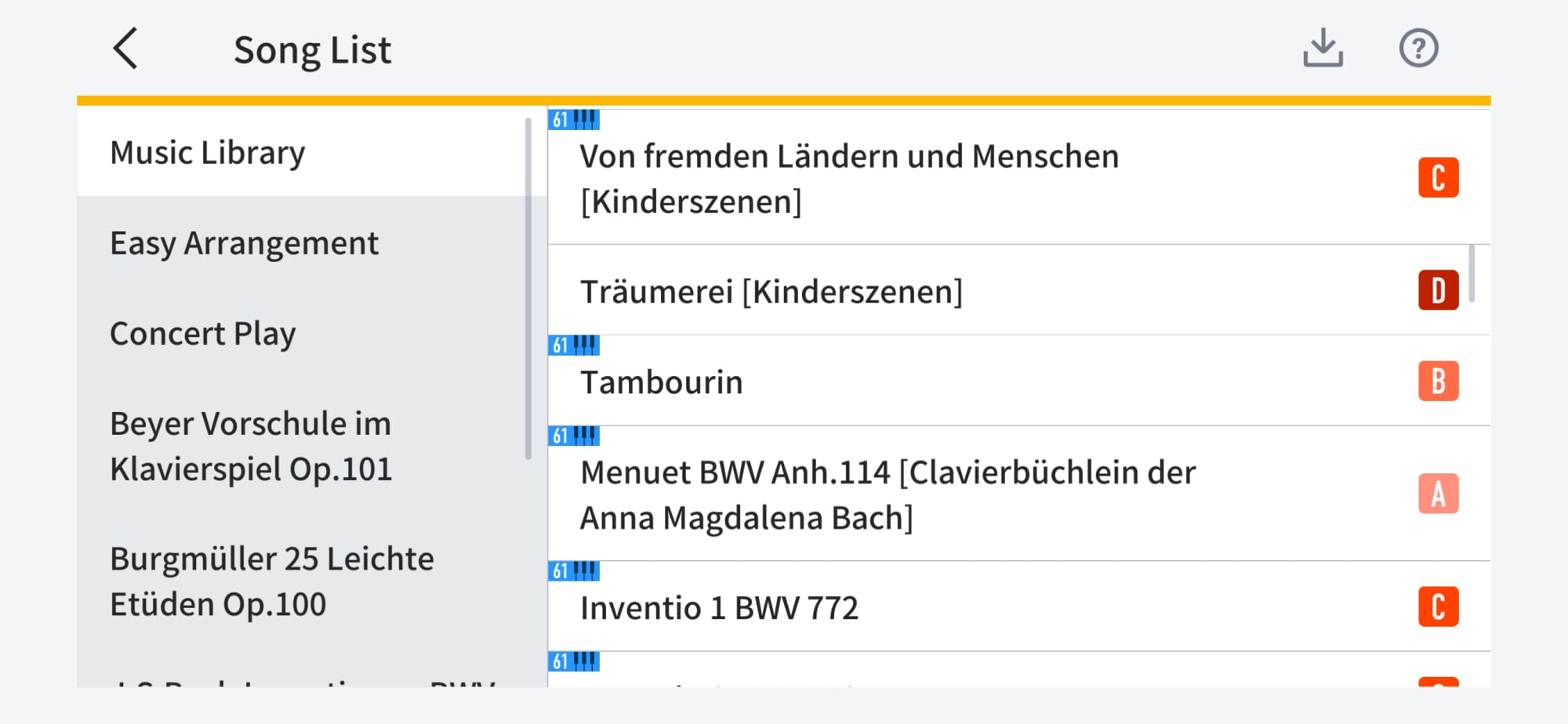
The app contains piano songs and keyboard songs for you to practice and play – and you can also use your own MIDI files. Many of the piano songs can also be played on a 61-key keyboard. In the song list, the difficulty level, scoring results and a preview button are also displayed. You can also filter the display to show only piano songs of a particular difficulty level.
Recommended for people who:

Want to learn how to read music

Want to restart playing piano for fun

Want to check a musical score when on the go or away from home

Want a way of carrying around a lot of music
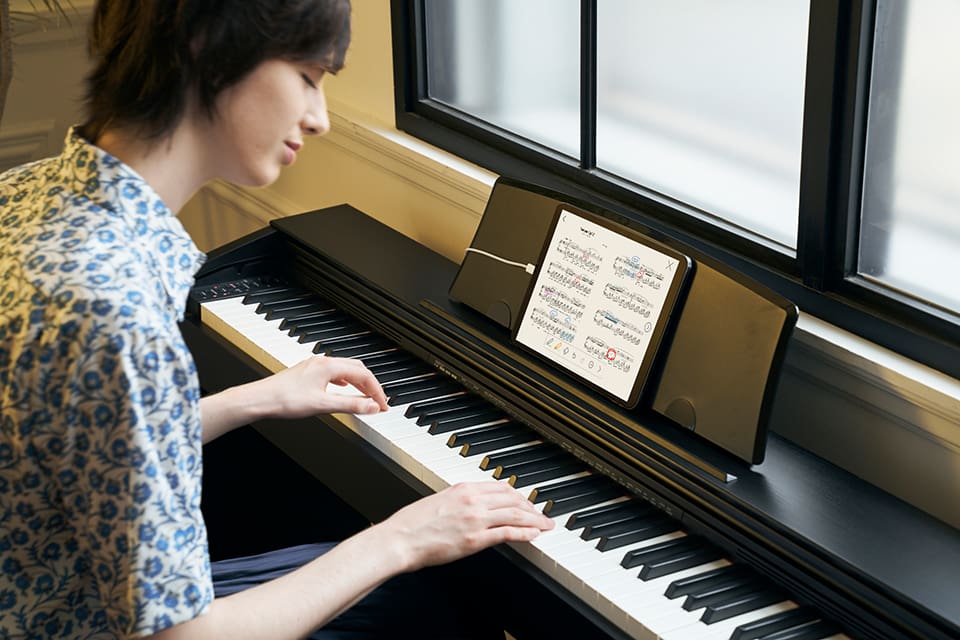
“Musical Score + Sound” lets you see and listen to a wide range of music on your smart device.
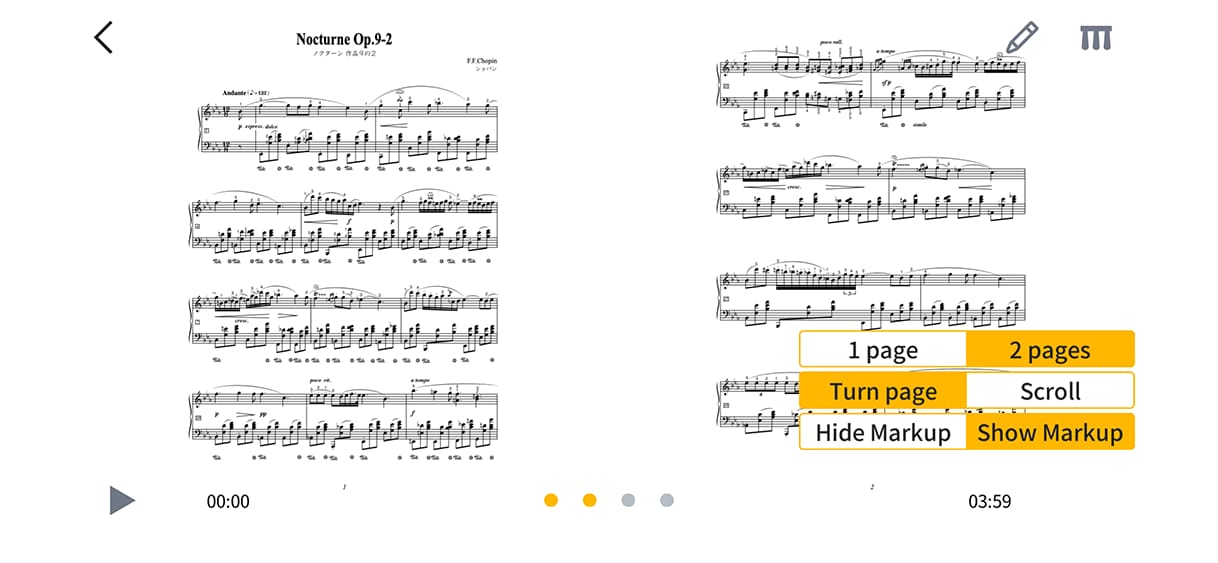
Zoom in and out and flip through pages of sheet music in the app. You can also mark up, save and load scores, as well as listen to music while viewing scores, making it convenient to use while on the move or outside your home.

Includes a Wide Variety of Recorded Songs
Displays PDF scores of the songs included in the app, many of which can be played on a 61-key keyboard.

Supports Pedal Operation to Flip through Music
You can use the damper pedal or three pedal unit to flip through the score via USB cable or wireless connection - convenient for playing while sight-reading the score.
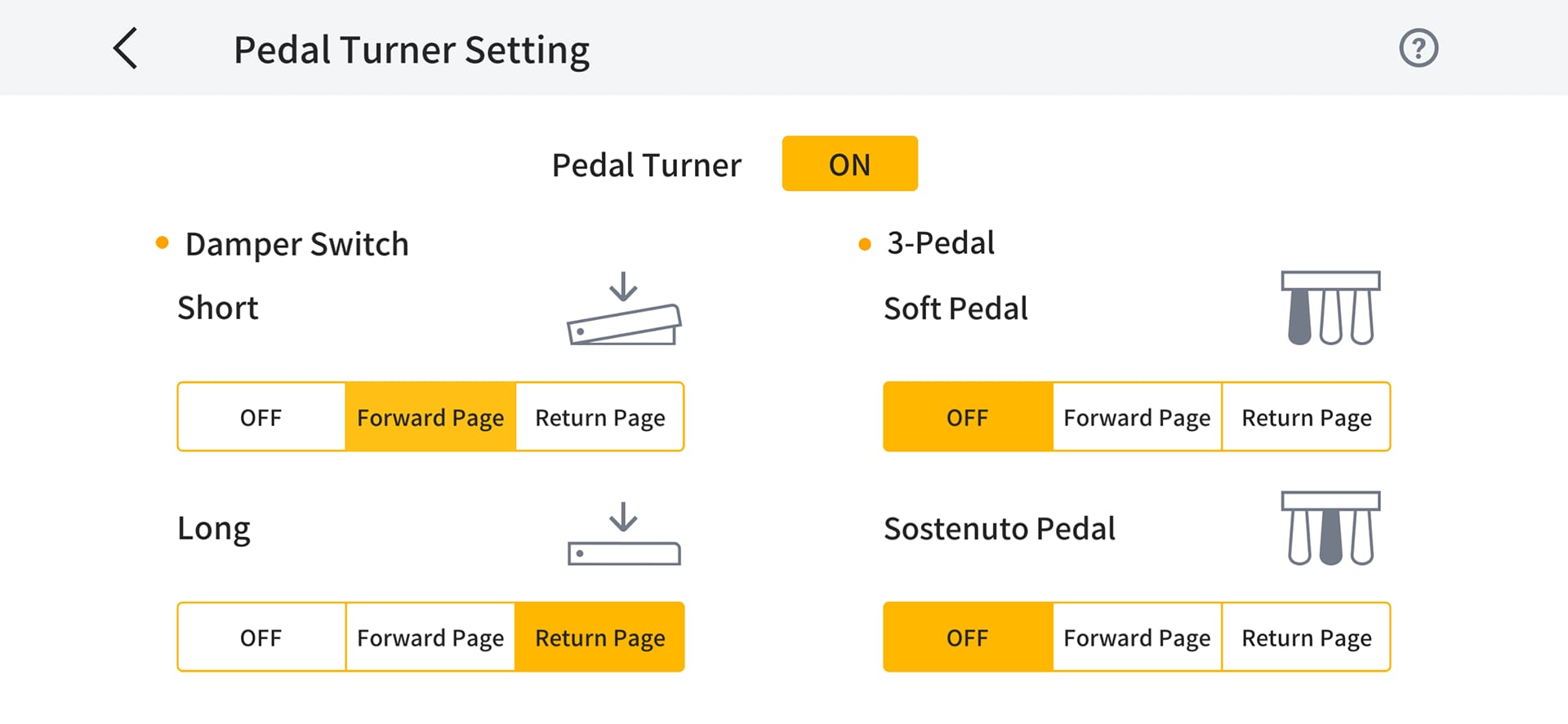
- Casio keyboards do not support this function. Casio pedals can be used to turn pages on the following pianos.
PX-S1000, PX-S1100, PX-S3000, PX-S3100, PX-S5000, PX-S6000, PX-S7000, CDP-S90, CDP-S100, CDP-S105, CDP-S110, CDP-S150, CDP-S160, CDP-S350, CDP-S360
If your piano model does not support page turning, you can alternatively use a commercially available Bluetooth® pedal with your smart device.

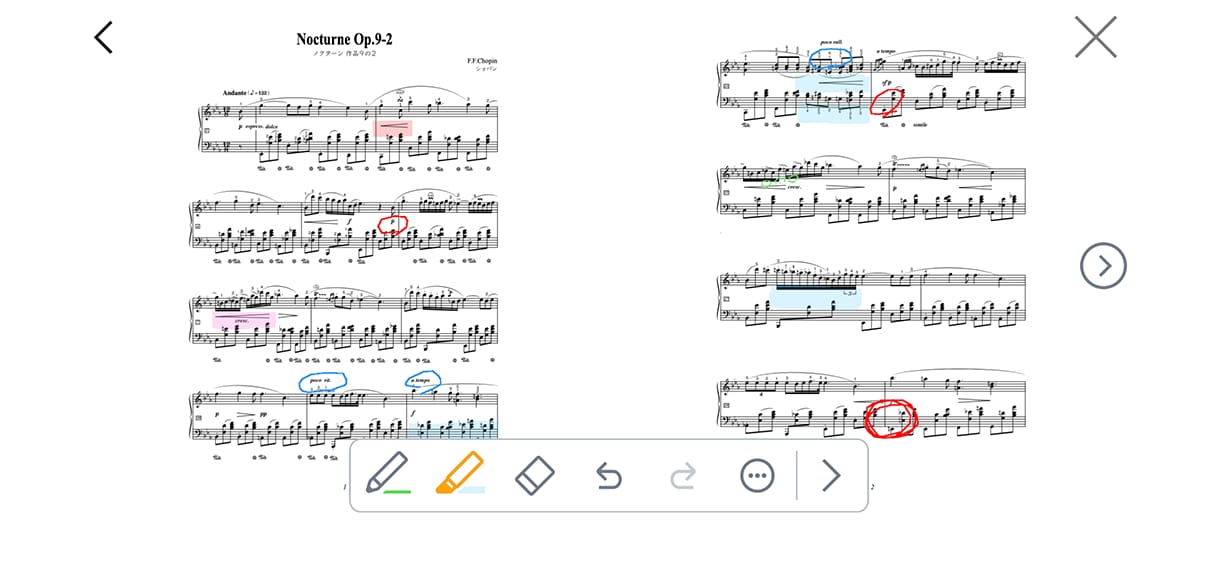
Marking Up, Saving, and Loading Scores is Possible
You can mark up recorded scores and imported PDF scores, and save/load the markup.
Recommended for people who:

Want to learn to play their favorite songs

Want to play along with their favorite songs

Want to practice while listening to a song
Play along with your favorite songs.
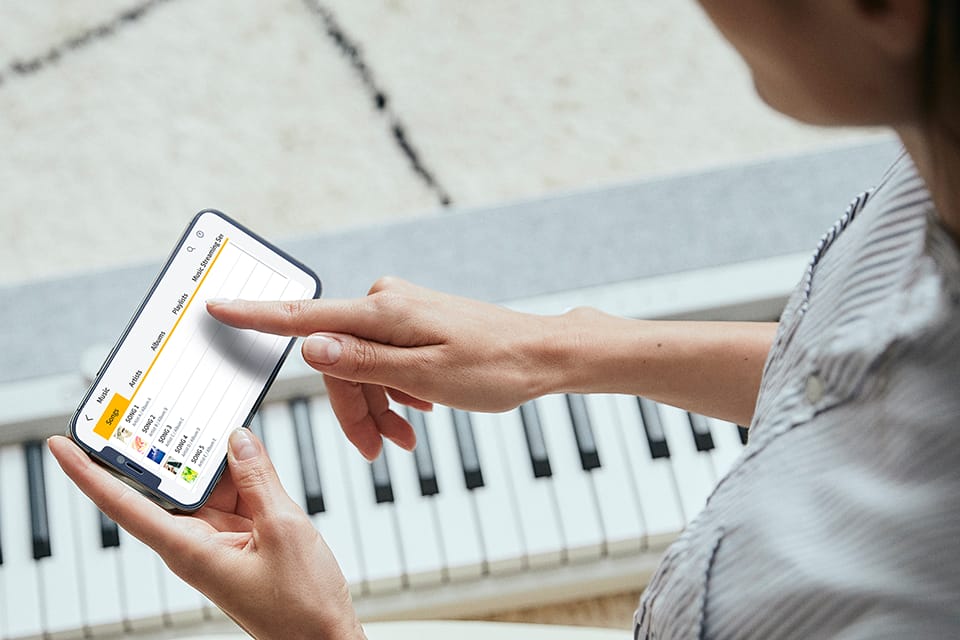
Songs on smart devices and songs from music streaming services are played from the instrument’s speakers by connecting the smart device to the instrument. Perfect for creating a session-like atmosphere, accompanying songs, or practicing parts of songs for a band.
*Songs stored in the cloud and songs with digital rights protection (DRM) are not supported.

Display Your Own Songs in the App
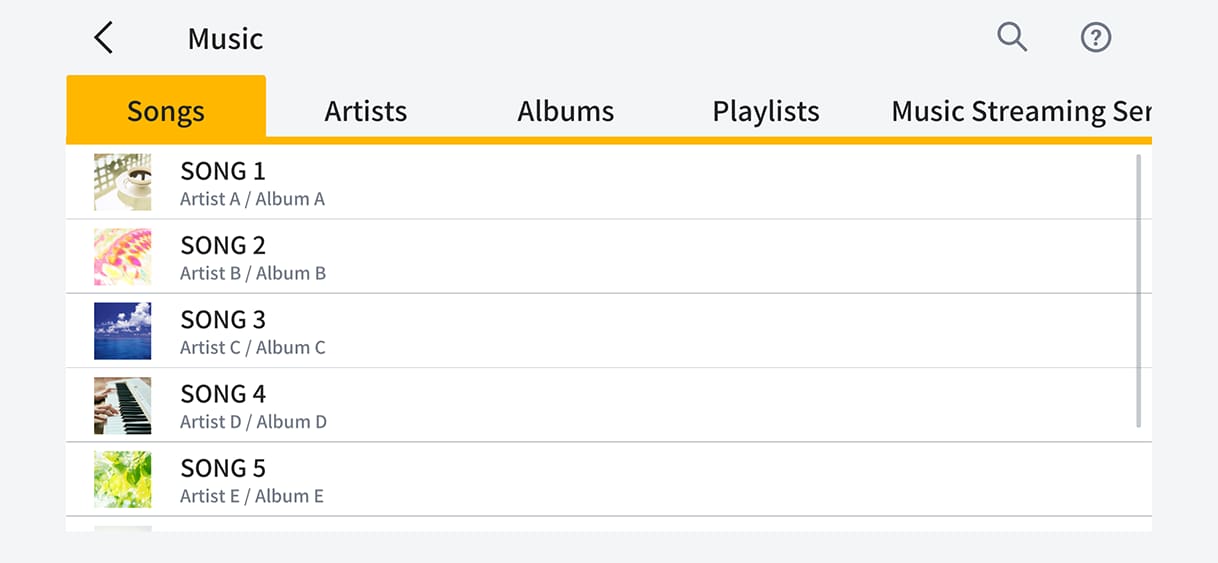
Display a complete list of songs stored on your smart device. Search by song title, artist name, and more.
Selection and playback of songs from music streaming services is also supported.
- Supported music streaming services differ depending on the smart device.
- iOS: Spotify, Apple Music
- Android: Spotify

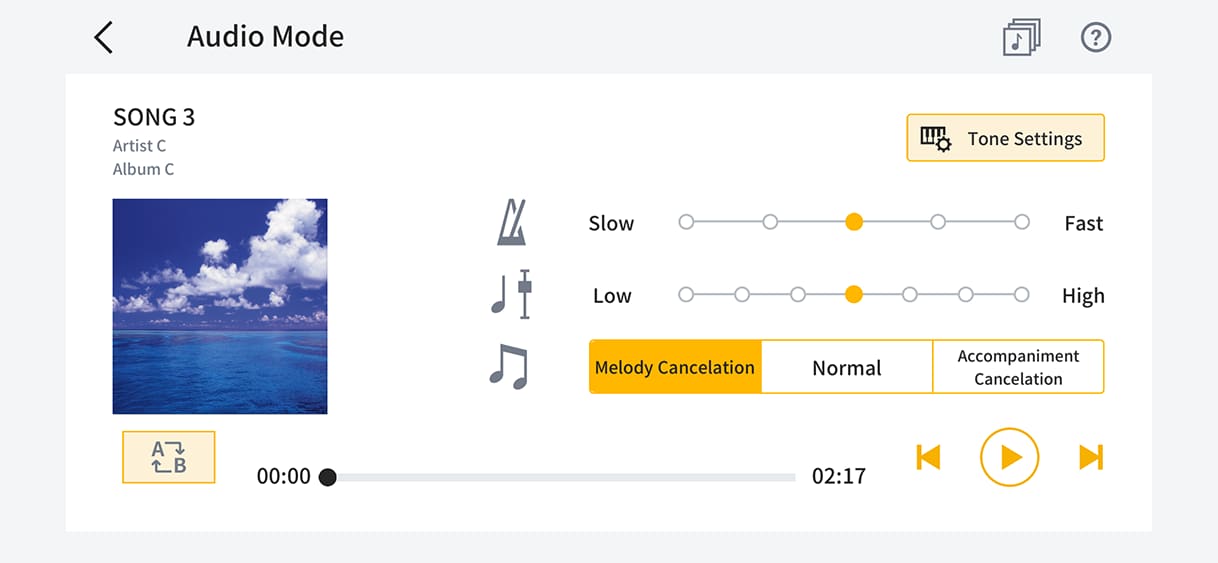
Play Songs Your Way
Adjust the tempo, change key, repeat play, and cancel melody/accompaniment to suit your playing style.
- The effectiveness of the melody/accompaniment cancellation function varies according to the song.
- Songs from music streaming services are not supported.
Recommended for people who:

Want to play their favorite songs in a live performance setting

Want to experience stage performance at home

Want to play with the background sounds of nature

Want to practice for a recital
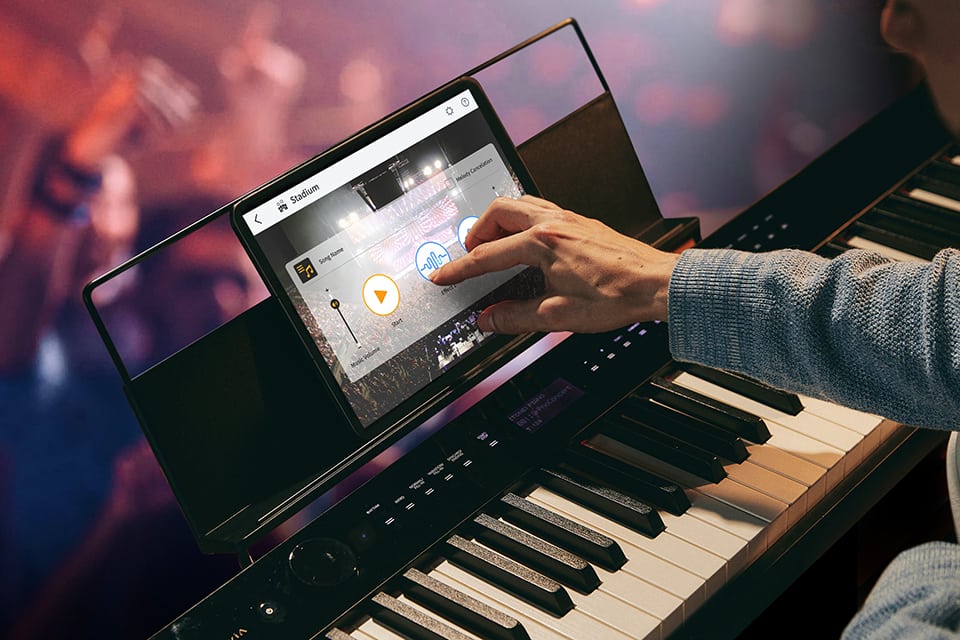
Turn everyday playing into an extraordinary experience. Feel the excitement of live performance at home.
The app analyzes any performance on a connected instrument or song on a smart device and automatically adds audience sounds according to the excitement of the music. Add a new dimension to your playing with this unique performance experience.
- When playing along with songs from music streaming services, the performance is analyzed and sound effects such as applause and cheering are added.
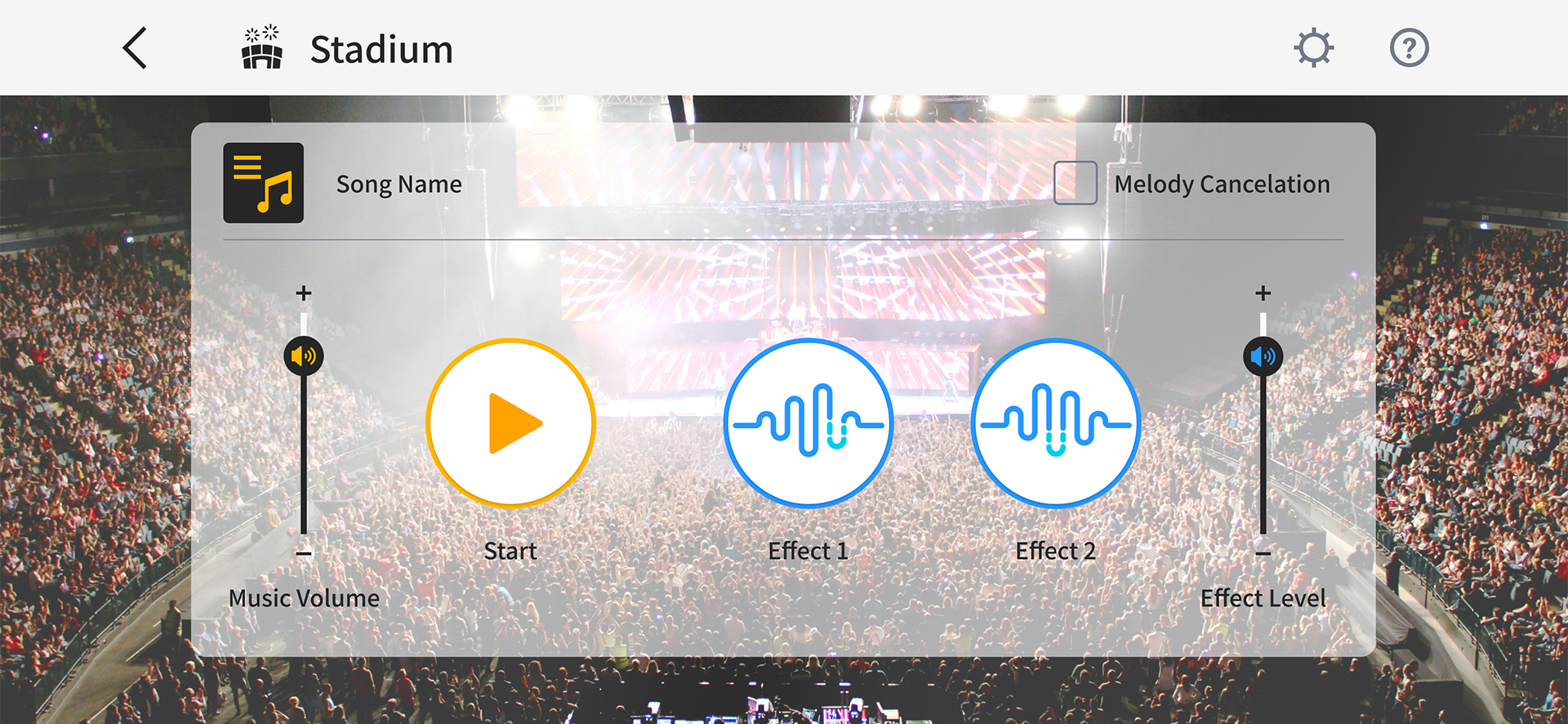

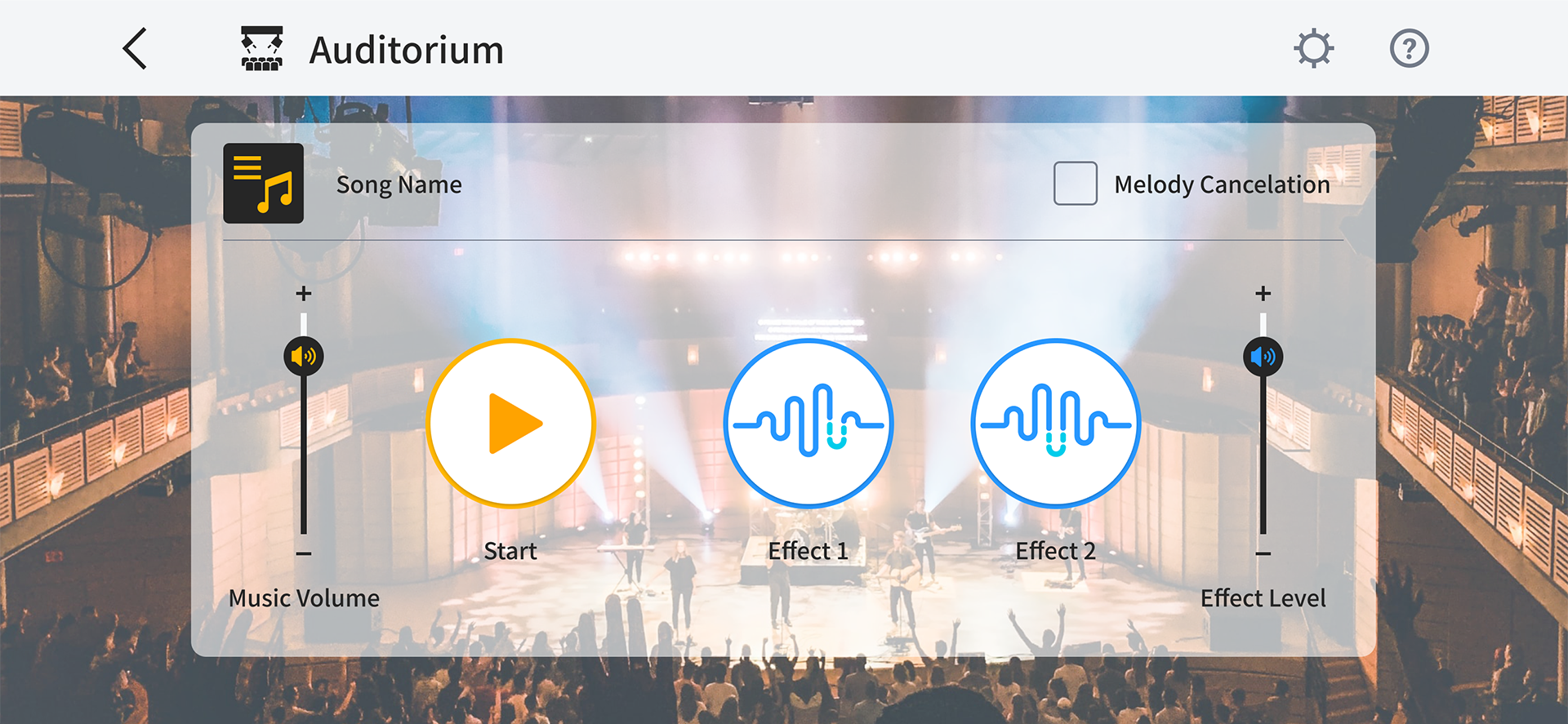
Eight Live Performance Spaces to Choose from

Performance venues
Recreate the atmosphere of various music venues, including the sound of the audience and environmental sounds.

Stadium:
An expanse of sound in a large-scale outdoor concert with tens of thousands of people

Auditorium:
The unique sound of a medium-sized, roofed hall

Jazz Club:
A small venue with an intimate audience

Classical Hall:
Simulation of a large hall with long reverberation

Piano Lounge:
A casual space to listen to music and enjoy conversation

Nature
A wide variety of environmental sounds and sound effects are used to create the sound of rich natural environments not normally experienced when playing.
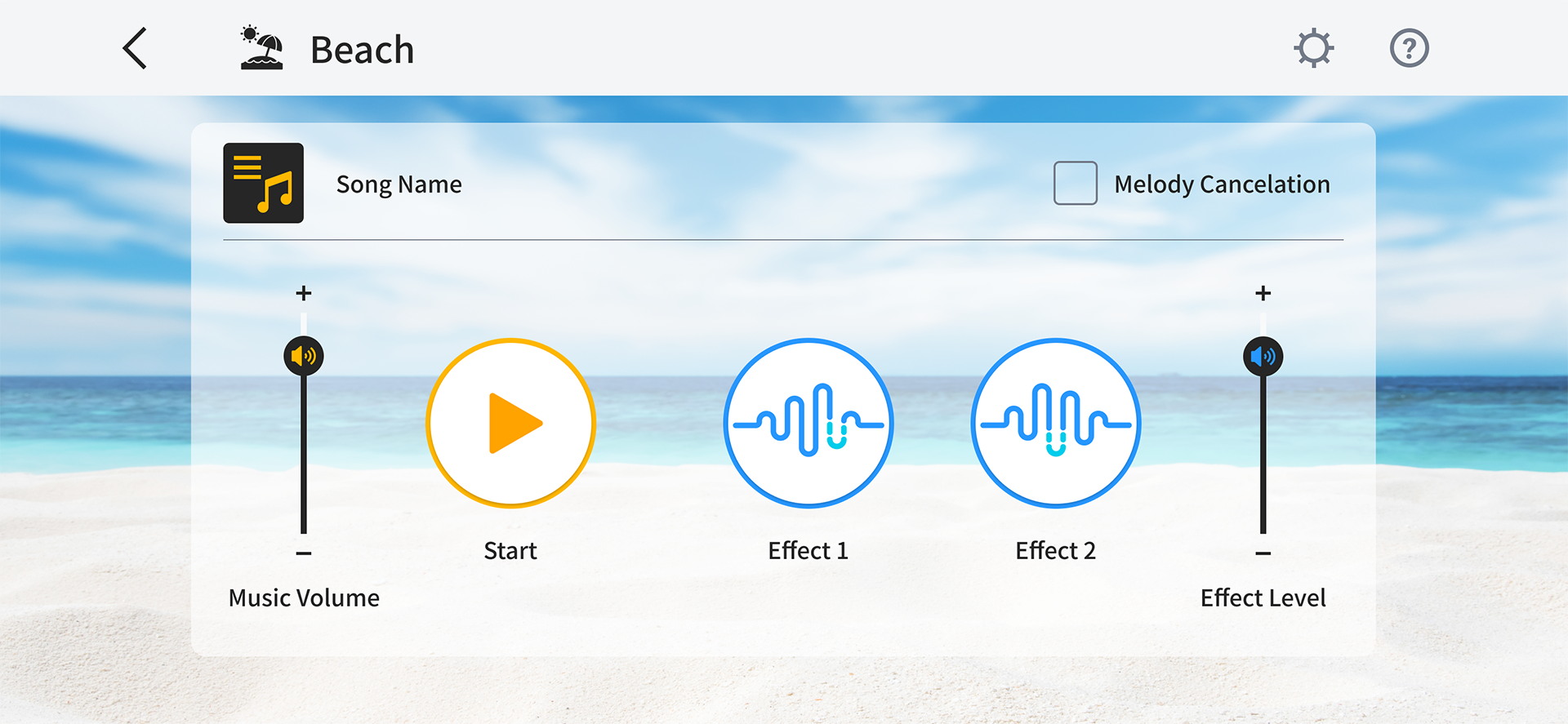

Beach:
The sound of waves and the occasional seagull

River:
The gentle murmur of a flowing river with birds singing in a forest

Rain:
Thunder dramatizes the performance based on the intensity of rain
Recommended for people who:

Want an intuitive way to make various settings.

Want to see a list of current setting values while operating the digital piano/keyboard.

Want to change settings depending on the playing style and check the settings made.
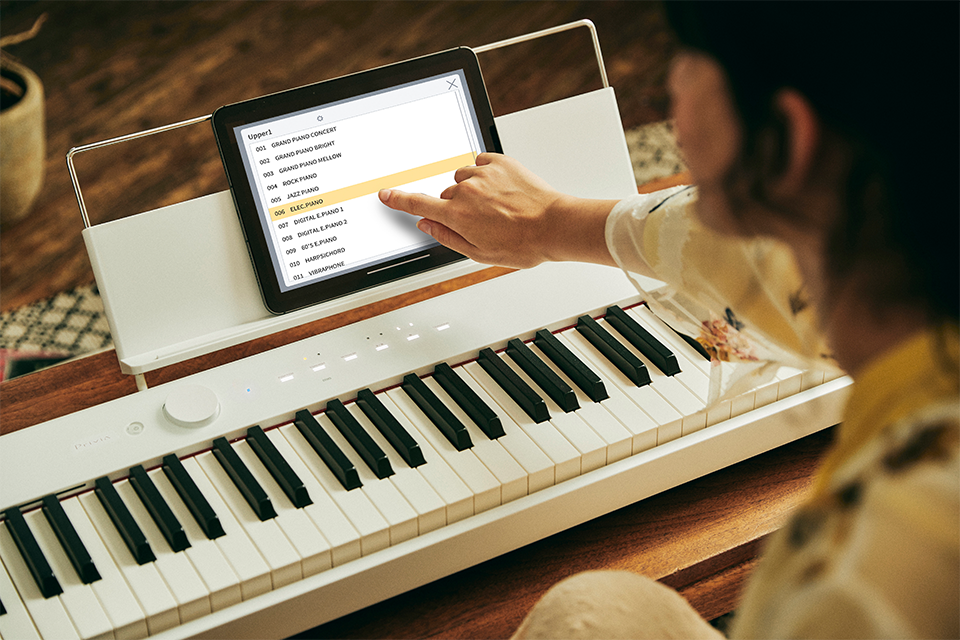
Check and adjust the digital piano/keyboard's settings on the app while you play .
Connect a smart device to be able to make settings remotely, without the need to touch the digital piano/keyboard.

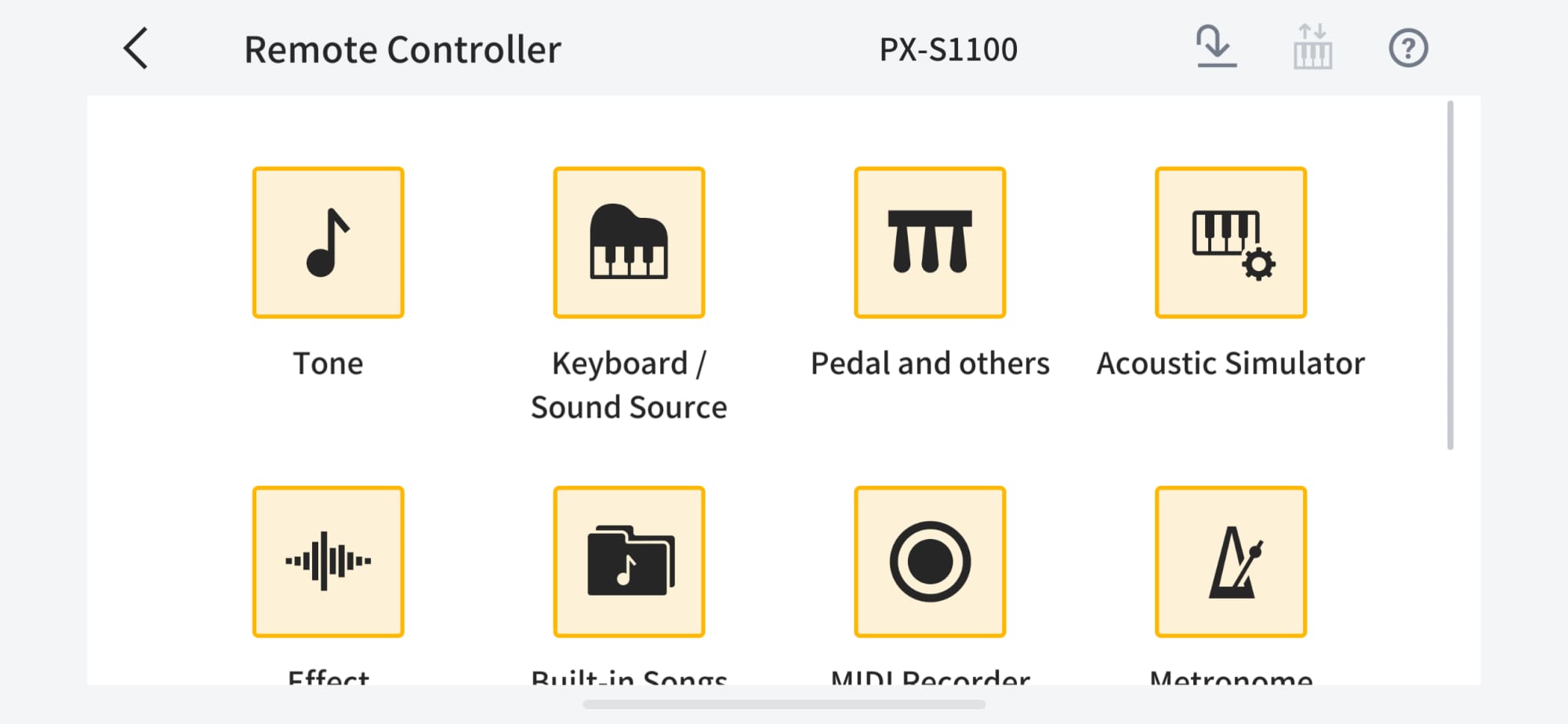
Easy-to-understand Menu Screen
The icon-based menu makes it easy to identify settings at a glance. Tap the icon to change the corresponding setting.

Setup while confirming in the list view
Change the tone to match the song or select from the list of built-in songs displayed in the app.
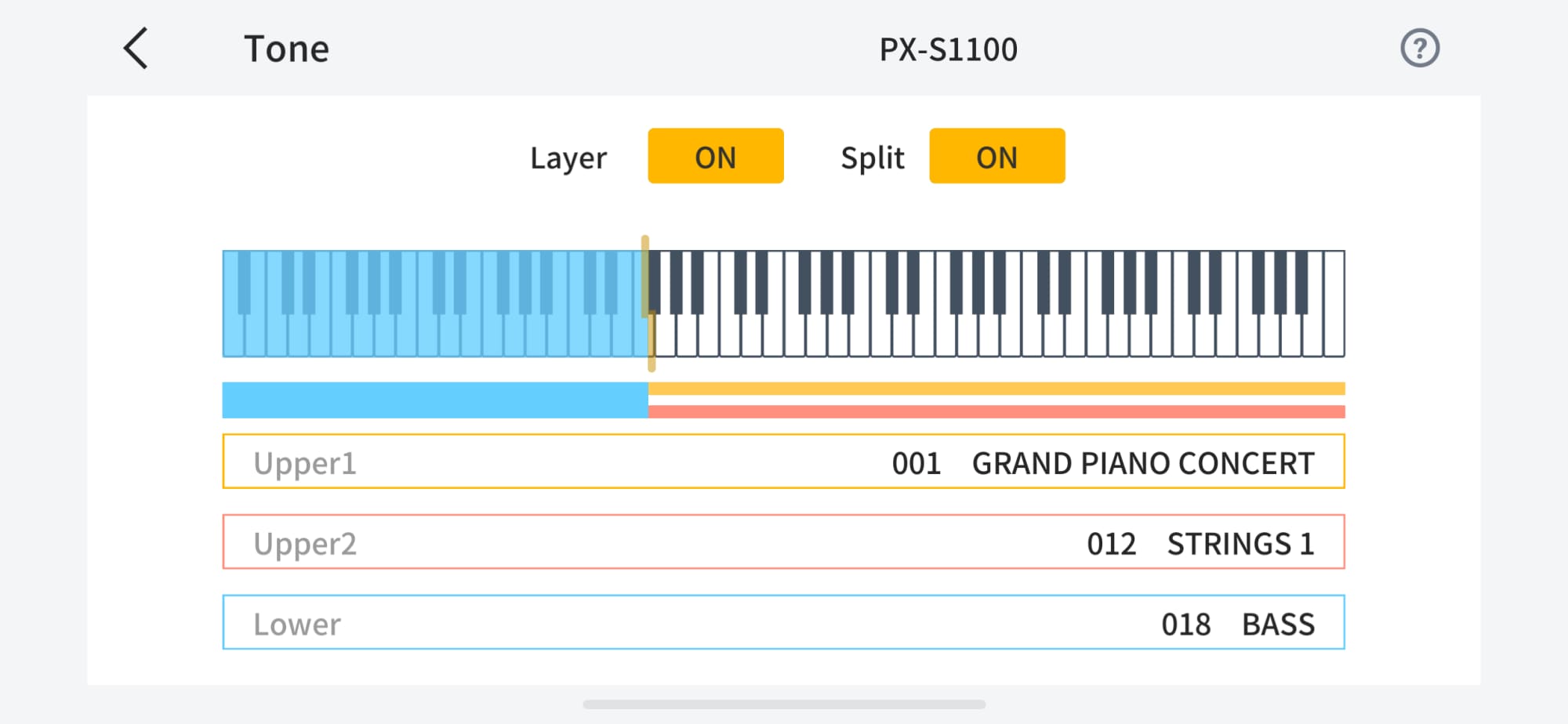
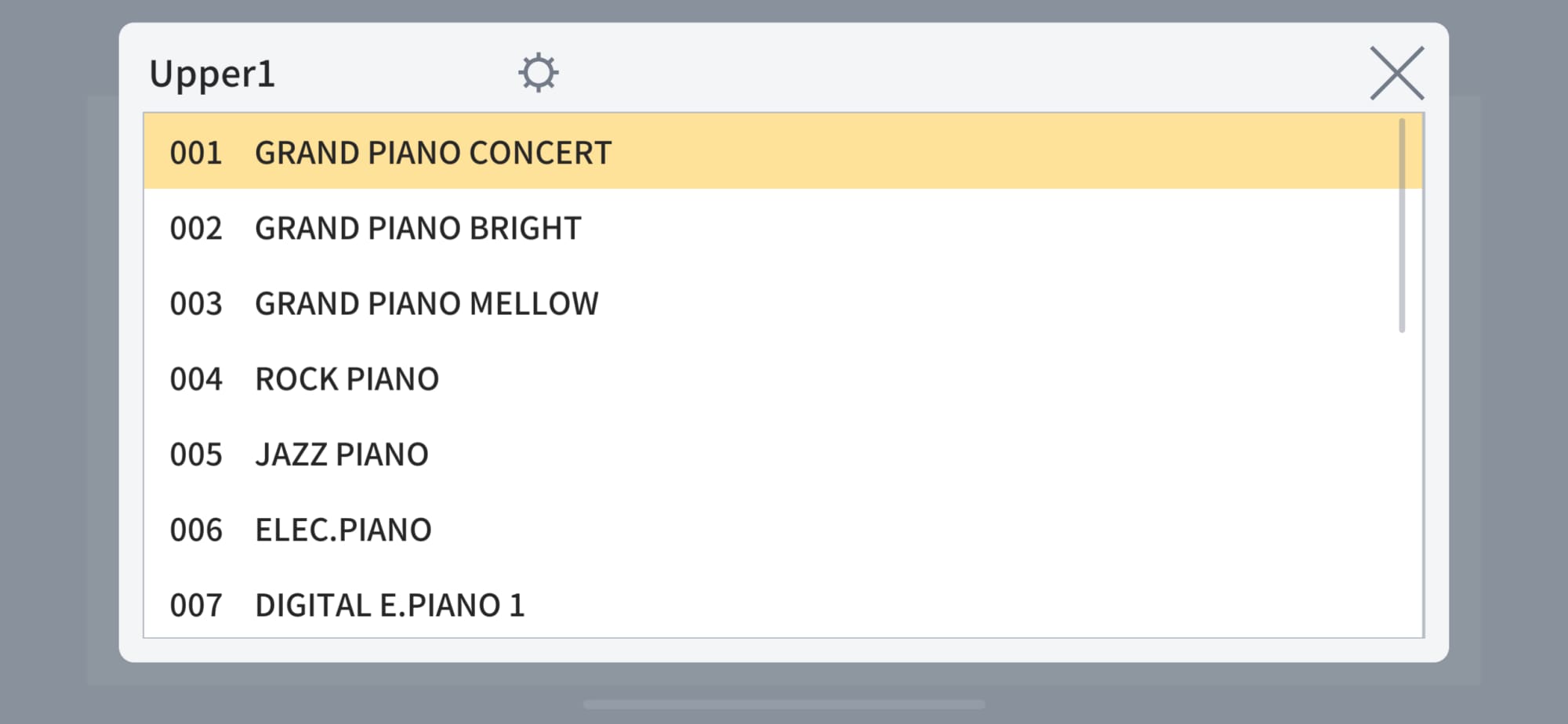

Check setting details displayed in the app
Change settings for touch response, metronome beat, tempo, effects, and more from the list of settings displayed in the app.
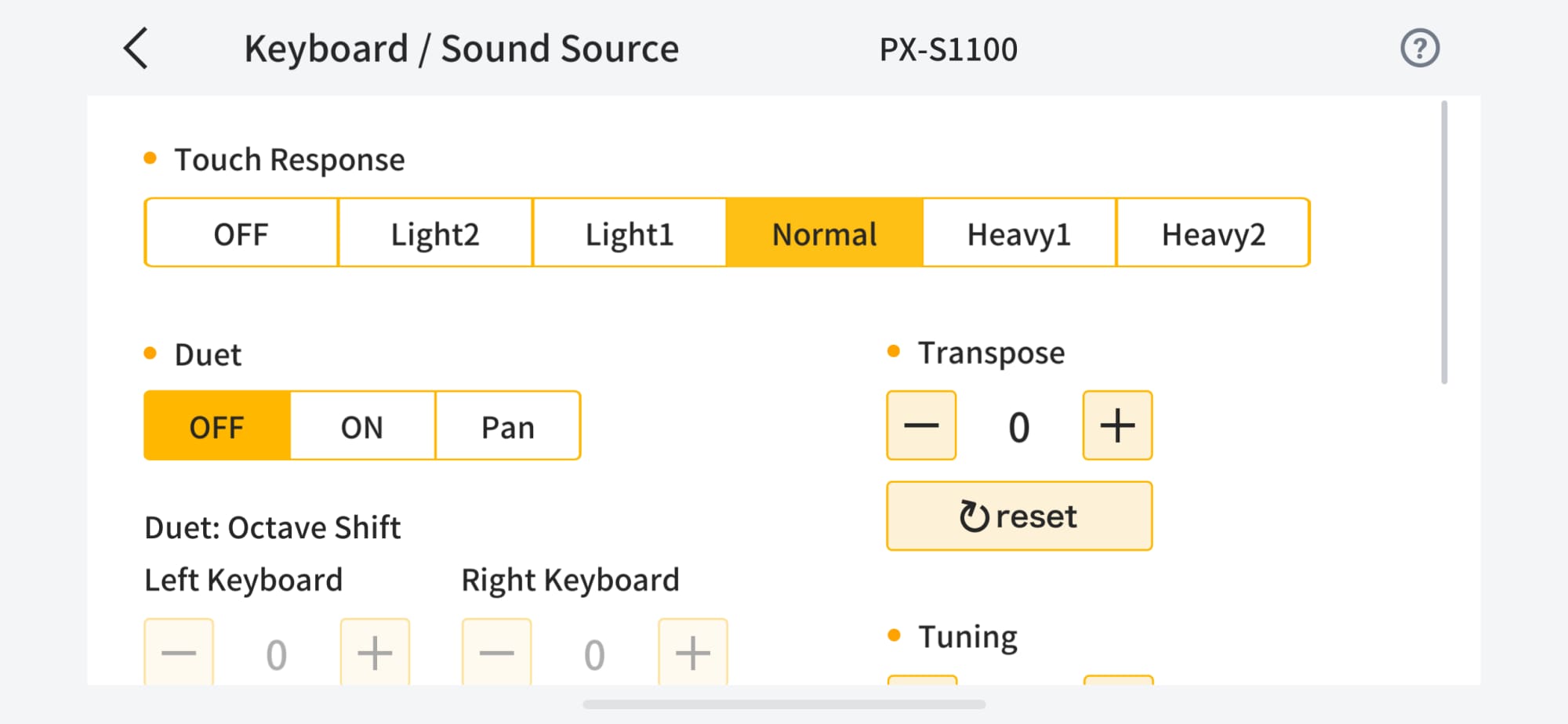
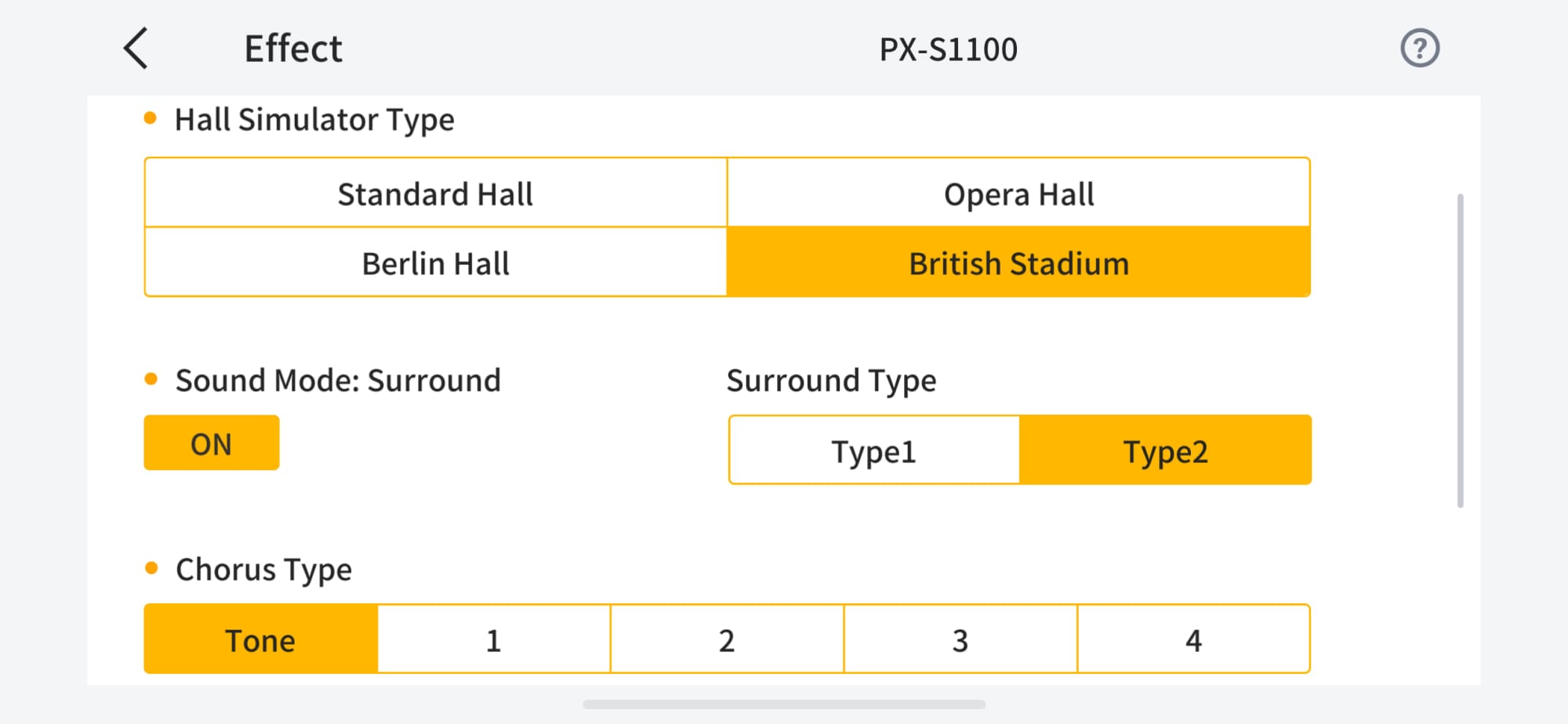
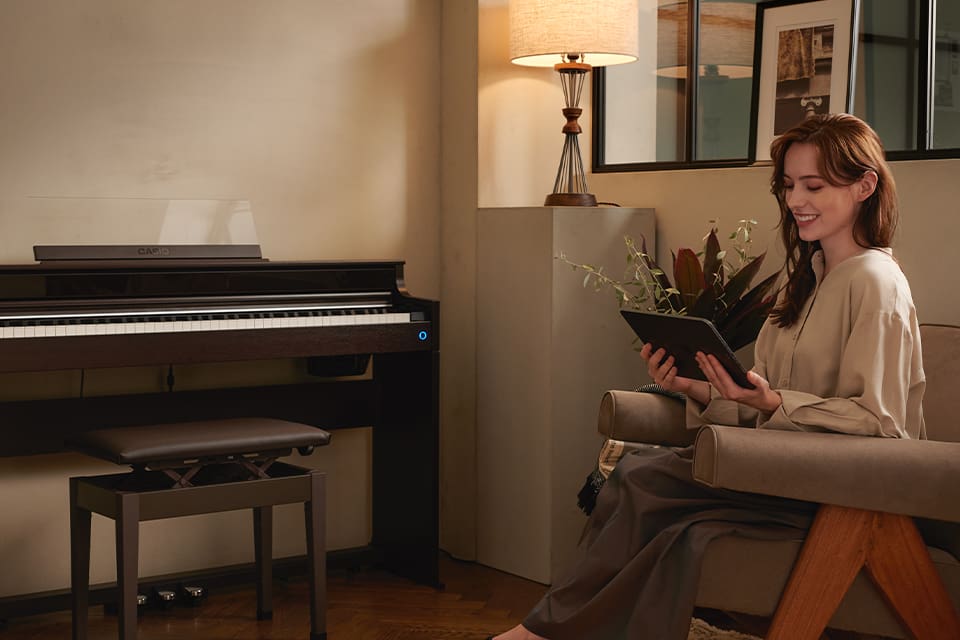
Recommended for people who:

Want to check your playing history

Want to learn more about composers and musical pieces.
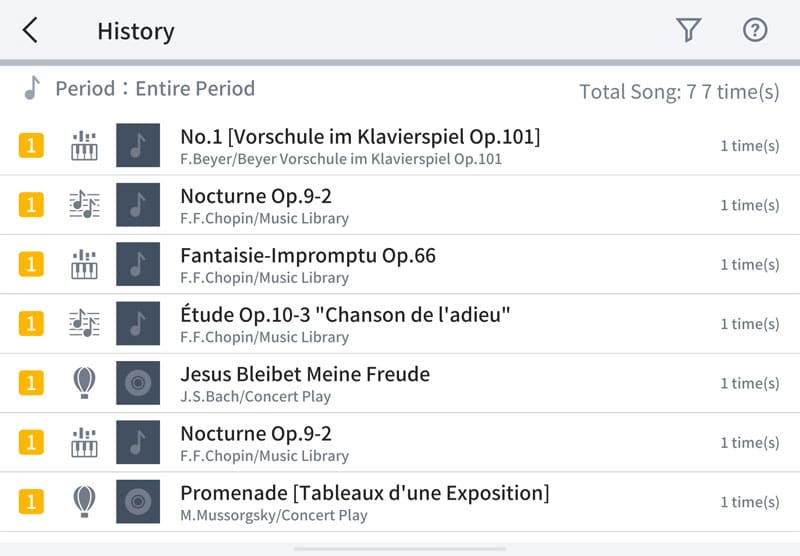
You can view the total number of times you’ve played each piece, along with detailed information related to the music.
From "History", you can check how often you have played songs available in the app.
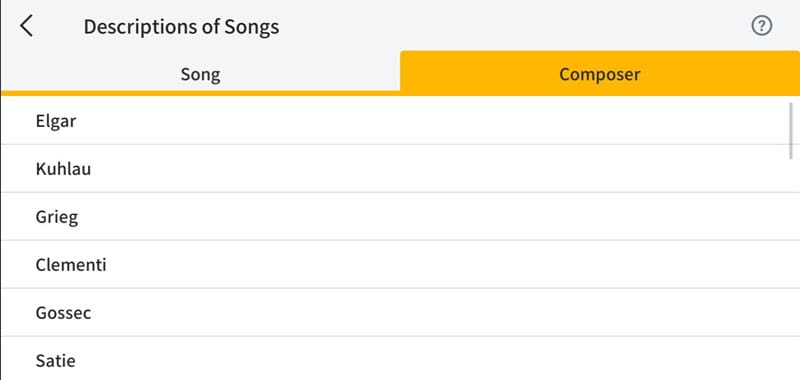
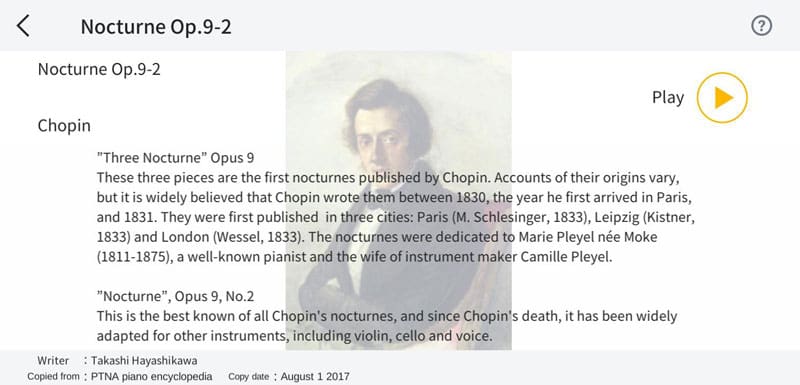
From "Descriptions of Songs", you can see explanations about selected pieces and their composers.

History
You can sort your playing history by period, category, or function, making it easy to see which features you have used and which songs you have played. This helps you review your practice, maintain motivation, and set new goals.

Descriptions of Songs
View explanations about selected pieces and composers, as well as the background and historical context in which the music was created. Understanding the music more deeply allows you to enjoy playing with a greater appreciation of each piece.
The Bluetooth® word mark and logo are registered trademarks of Bluetooth SIG, Inc. and are used by Casio Computer Co. under license. All other trademarks and trade names are the property of their respective owners.
- All pictures shown are for illustration purposes only.
- Specifications are subject to change without notice.
Tutorial Video