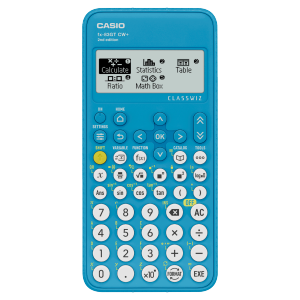
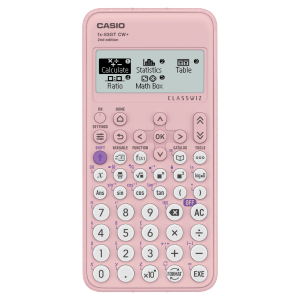
fx-83GT CW+ Blue





Free Standard Delivery
For orders over £50
Secure Payment


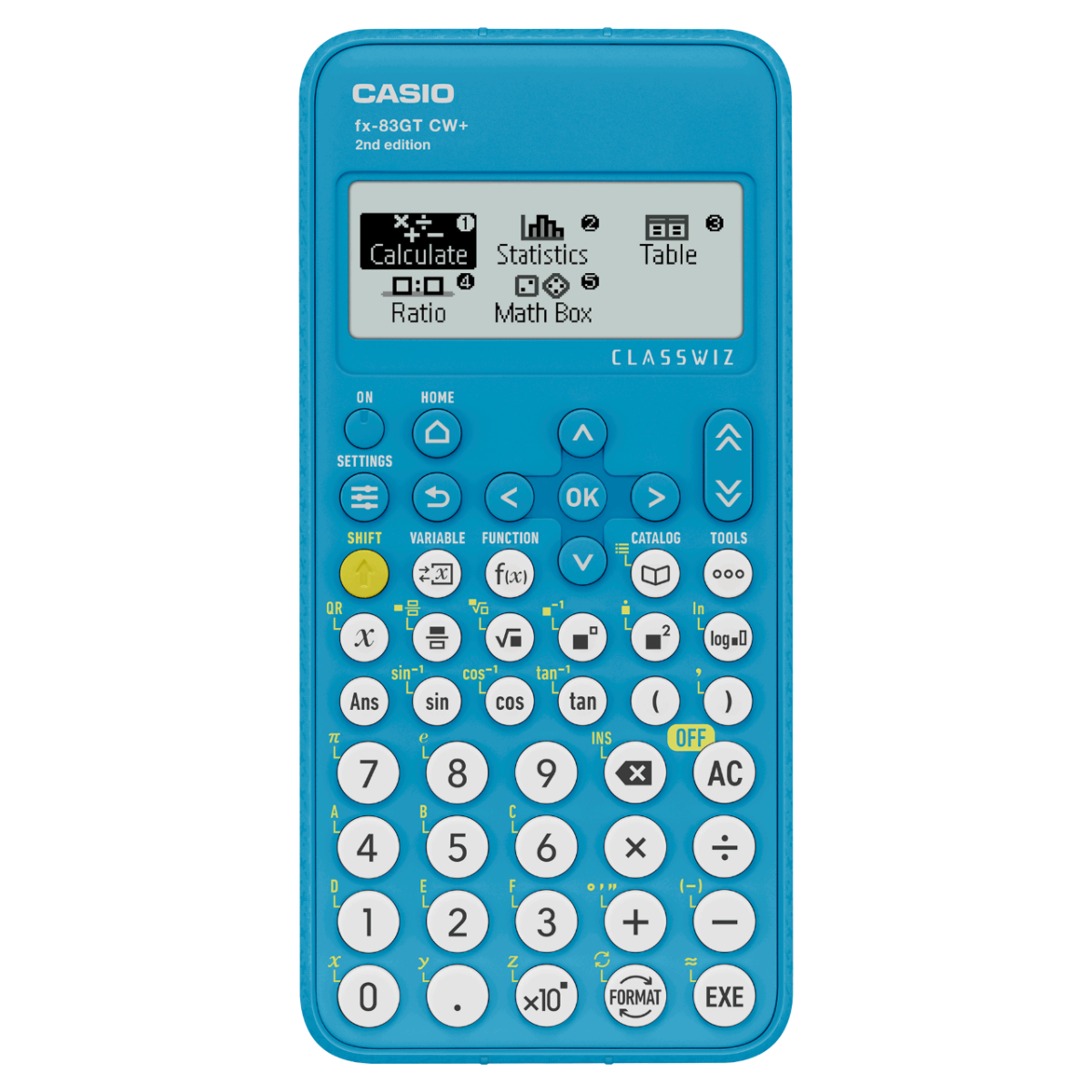
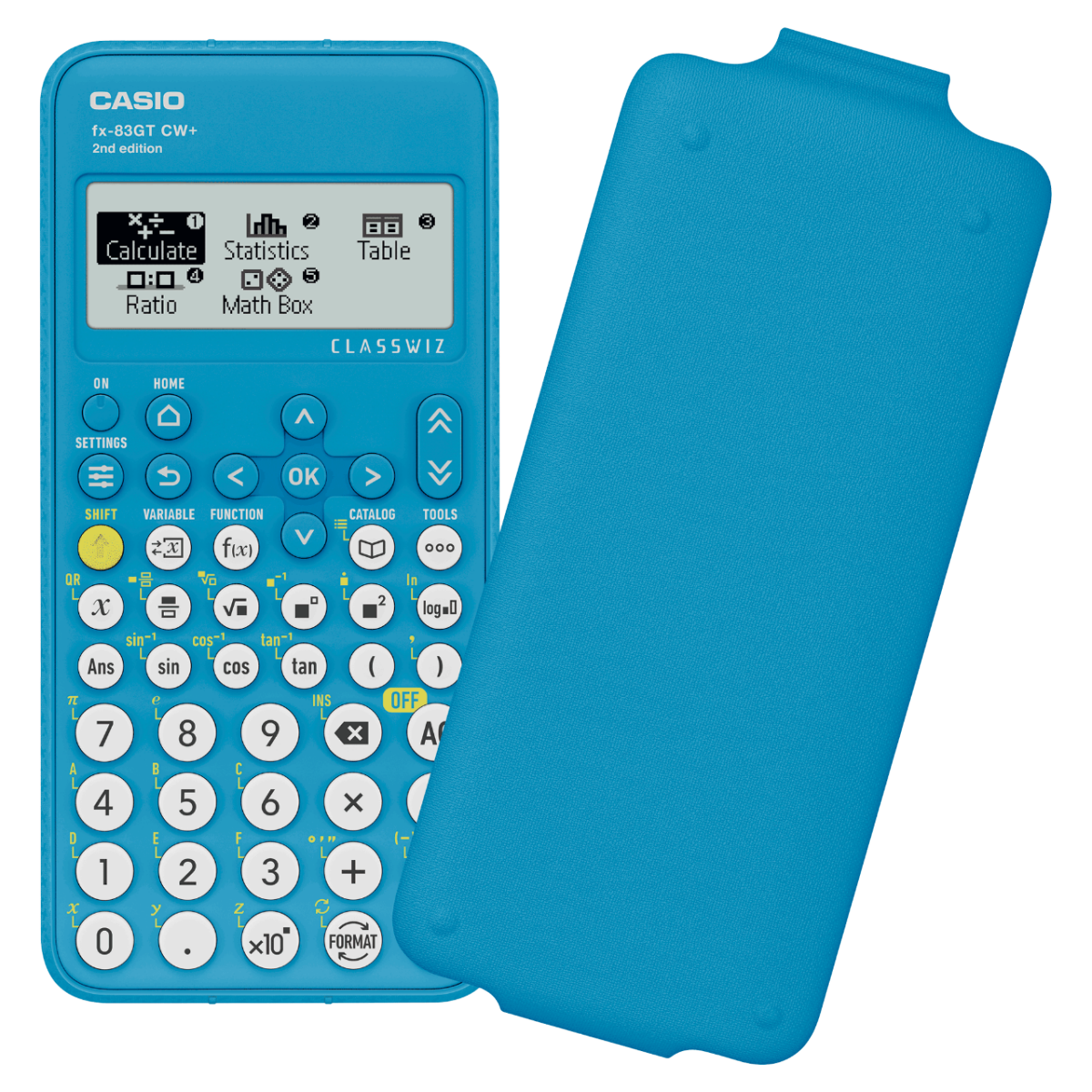
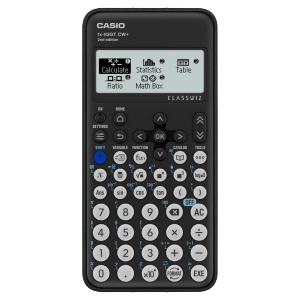
The Casio fx-83GT CW+ is the UKs best-selling Scientific Calculator (replacing the now discontinued fx-83 GT CW). • Recommended and approved for Key Stages 3 & 4, including GCSE, National and Higher, Junior and Leaving. • Allowed in every UK exam where a calculator can be used. • Clip-on protective hard cover included • Battery powered (AAA x 1 supplied) • 290+ functions • Free 3 year guarantee included • The fx-83GT CW+ is available in; black, blue, grey and pink. Other models to consider: The Casio fx-85GT CW+ provides the same features and functions as the fx-83GT CW+, but with the added feature of being solar powered with battery backup as well as being made from up to 90% recycled materials. The Casio fx-991CW UK+ is Casio’s most advanced scientific calculator, providing UK specific functions such as HCF, LCM and recurring decimals, more than 540 functions and is suitable for Key Stages 3, 4 and 5. Reliable and Durable: Built for Learning. Made to Last. Cheap alternatives and counterfeit copies may be available, but they often lack the reliability, durability, and curriculum suitability needed for classroom use. Our genuine calculators are built to last, trusted by educators, and suitable for the UK maths curriculum. For the best performance and long-term value, we recommend choosing an authentic Casio product. From the inventors the world’s first compact all-electric calculator over 60 years ago, genuine Casio calculators offer the durability, reliability, and UK curriculum compatibility that students and teachers depend on. Choose authentic for quality you can trust. Avoid counterfeit and fake products. Buy with confidence from a trusted source View our Model Comparison Chart to find the right calculator for you. The fx-83GTCW+ is permitted in all UK calculator exams, further details can be found on the Joint Council for Qualifications calculator FAQ document here .
Features
ClassWiz+ Built with Purpose.
Intuitive, approachable new design
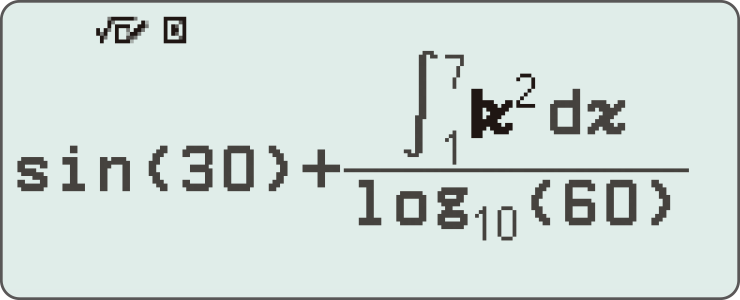
High-definition & 4-gradation display
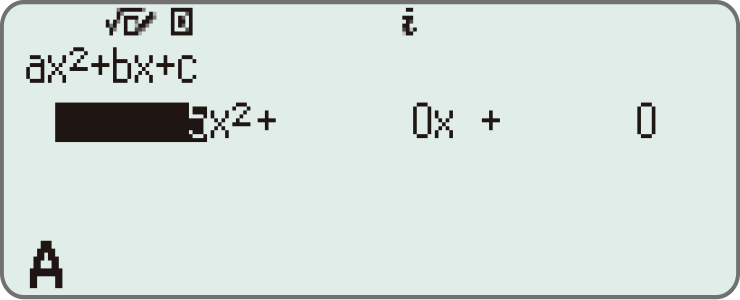
With the 4-gradation display, the current input location is displayed in a darker colour.
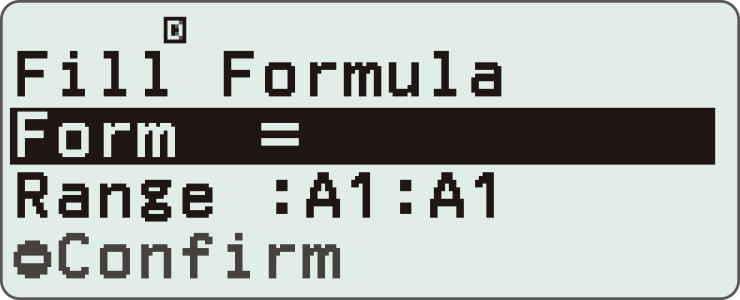
Smoother navigation with updated cursor key display
Changing the cursor key markings from engraved to printed enhances key visibility, making it easier to distinguish between keys and thereby improving operability.
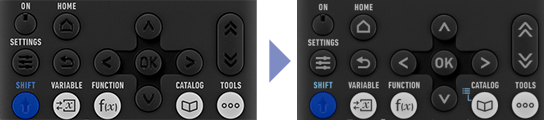
Intuitive cursor operation
Simple cursor-based operations and a key layout that follows the natural flow of use.
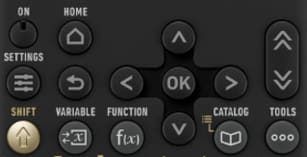
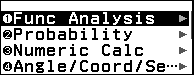
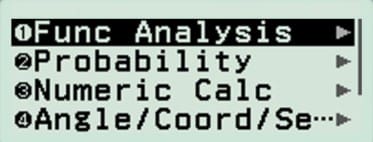
Shortcut keys for easy selection of apps and commands
Instead of using the cursor keys, just press the corresponding number key to quickly select the desired option.
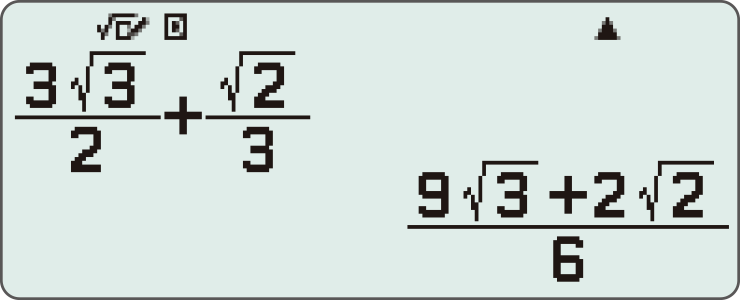
Natural Textbook Display
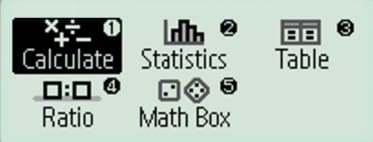
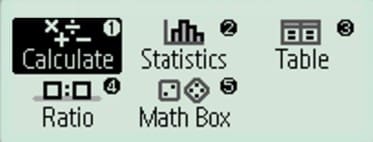
Intuitive, easy-to-learn icon display
List display function for thorough, speedy learning
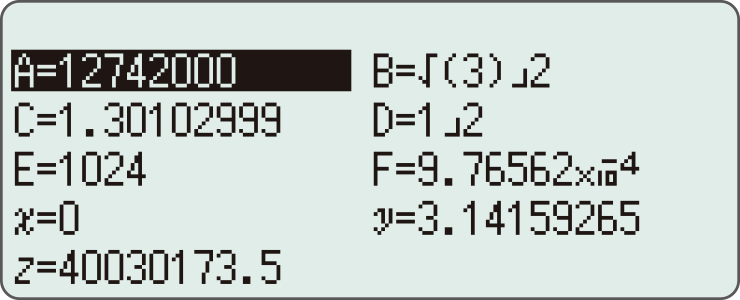
High-speed calculation
Fast calculation for smooth performance in class or during examinations.
Easily switch between Standard notation (fractions, √, π) and Decimal notation with a single key.Select your preferred format from the display options list.

Effortlessly perform power and scientific notation calculations with a single key press.You can configure the calculation type in the settings menu.
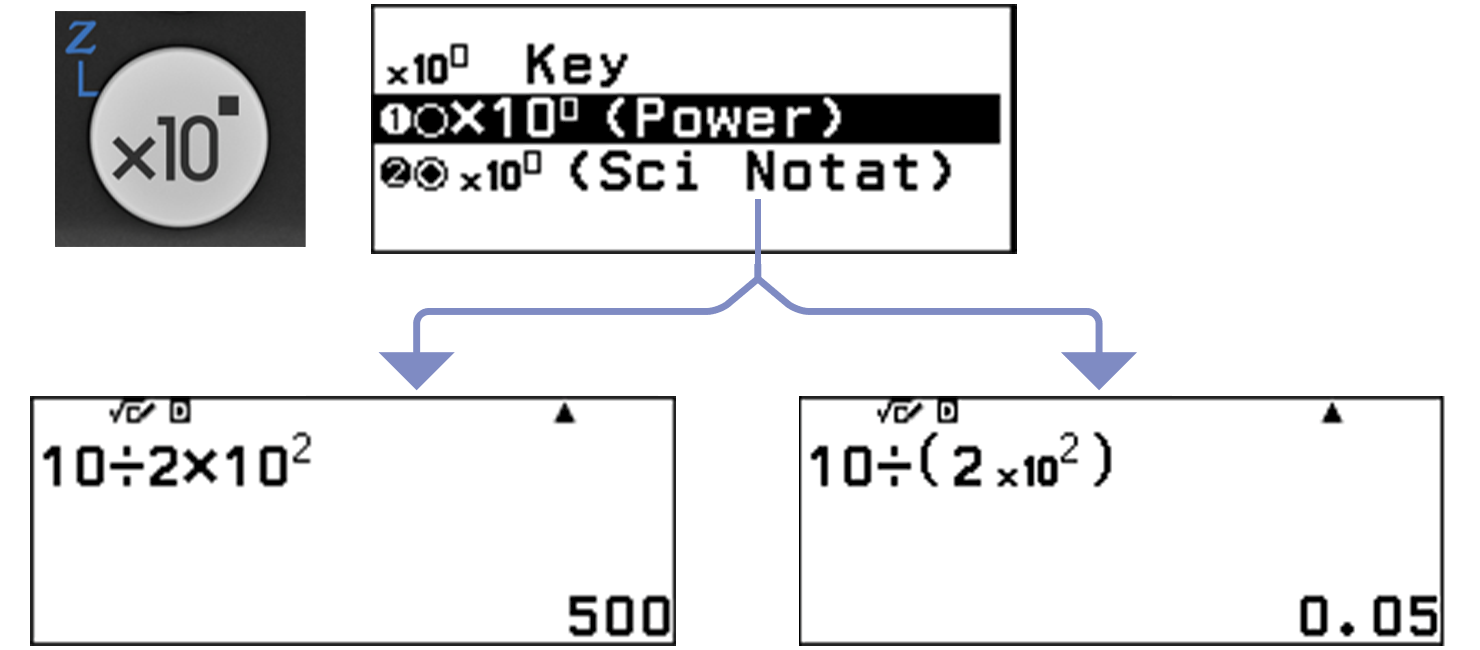
Packed with features to encourage learning
Calculator Apps
Easily select a calculator app from the Home screen that is suitable for the type of calculation that you want to perform.
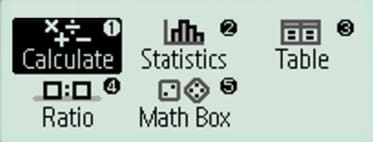
Maths Box
Use the Math Box app to roll dice, flip a coin, work with number lines, and explore trigonometric circles — all to support your learning of math.
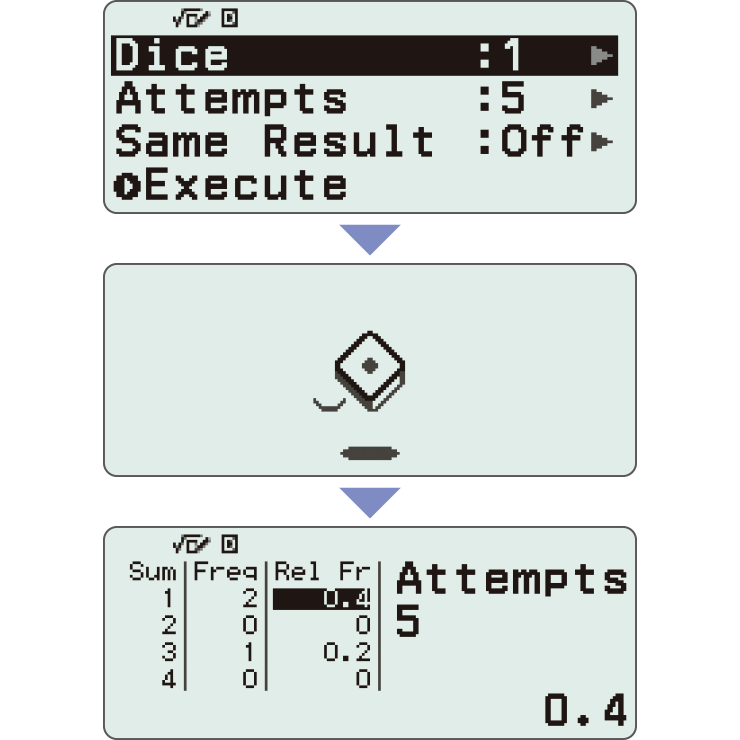
*Screen images might differ from the final product.
Calculate

General calculations
Statistics
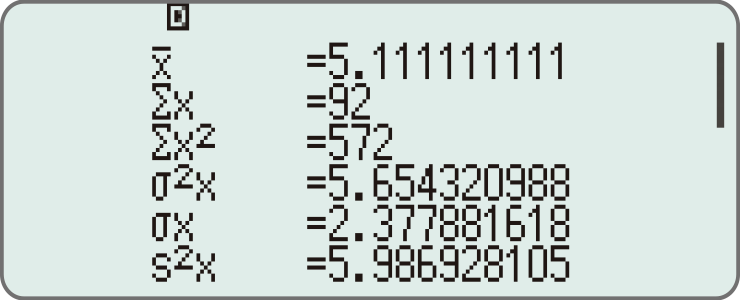
Statistical and regression calculations
Table
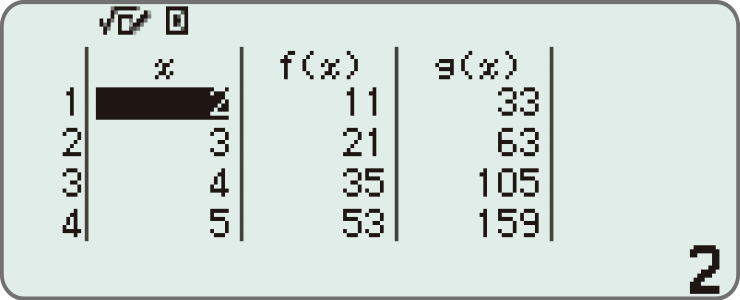
Generates a number table based on one or two functions
Online visualisation service using QR codes
Easily generate QR codes of equations input into the calculator. Graphs and other graphics can be displayed on smartphones or tablets.
1. Input data
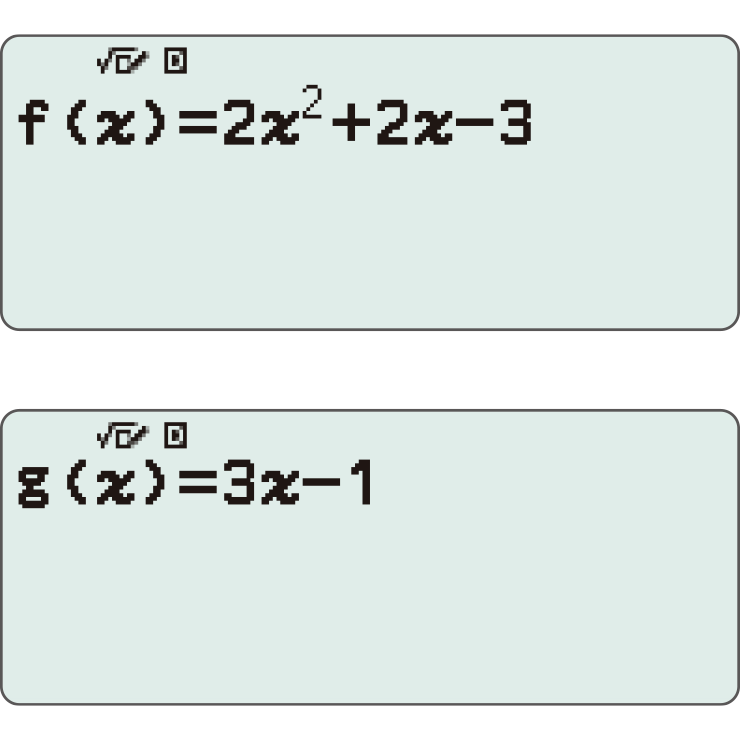
2. Generate & scan QR code
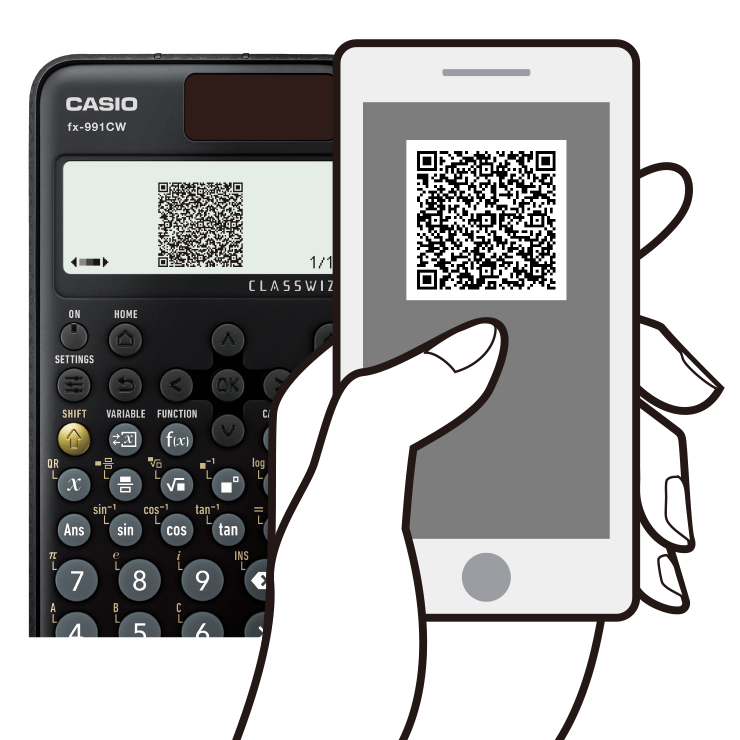
3. Graph on smart device
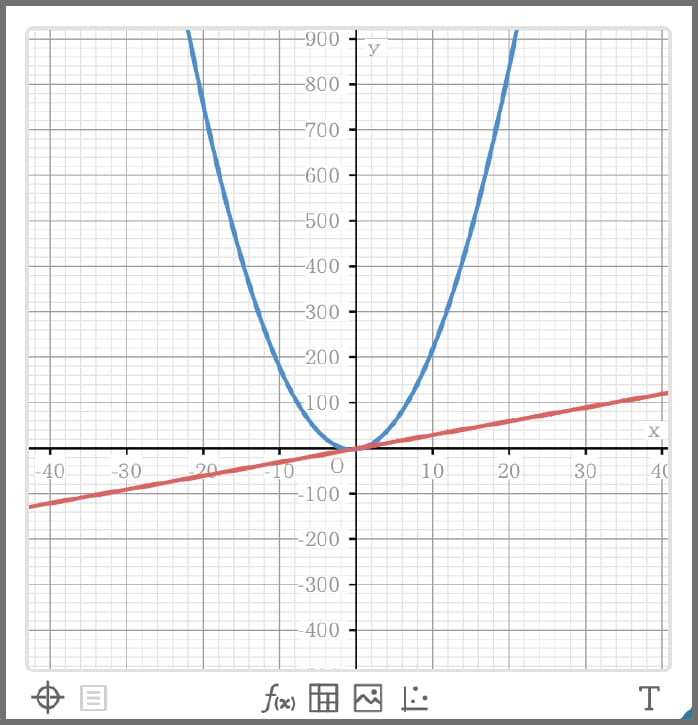
4. Analyse graph
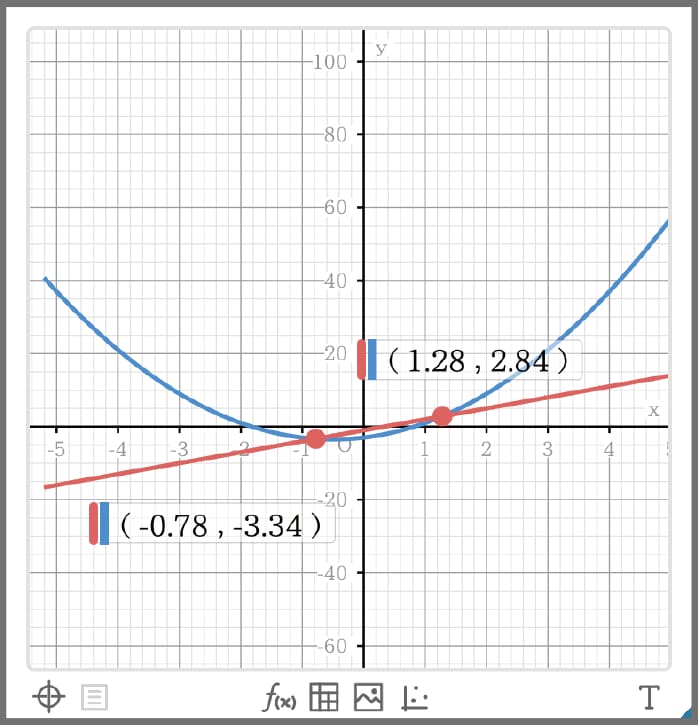
Variety of functions that are available in calculator apps to support students' learning.
CATALOGUE

The CATALOGUE menu shows Store values to variables categories of commands, functions, and symbols according to the calculator app that you are currently using and the current status of the app (the displayed screen or current settings).
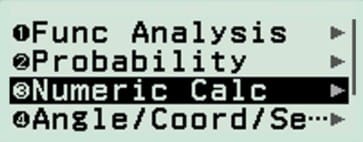
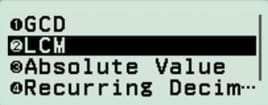
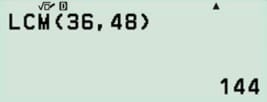
You can also view all items stored in the Catalog in a single, easy-to-browse list.

Function memory
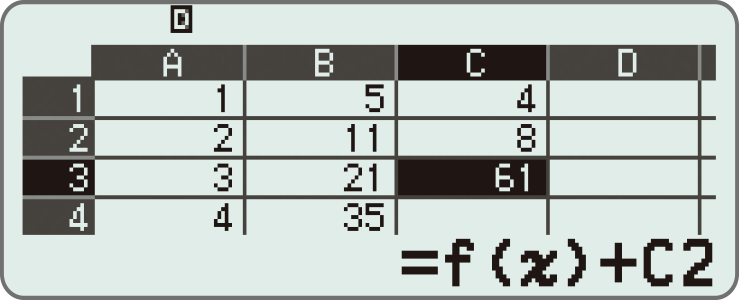
You can store functions in both the f(x) and g(x) memory.
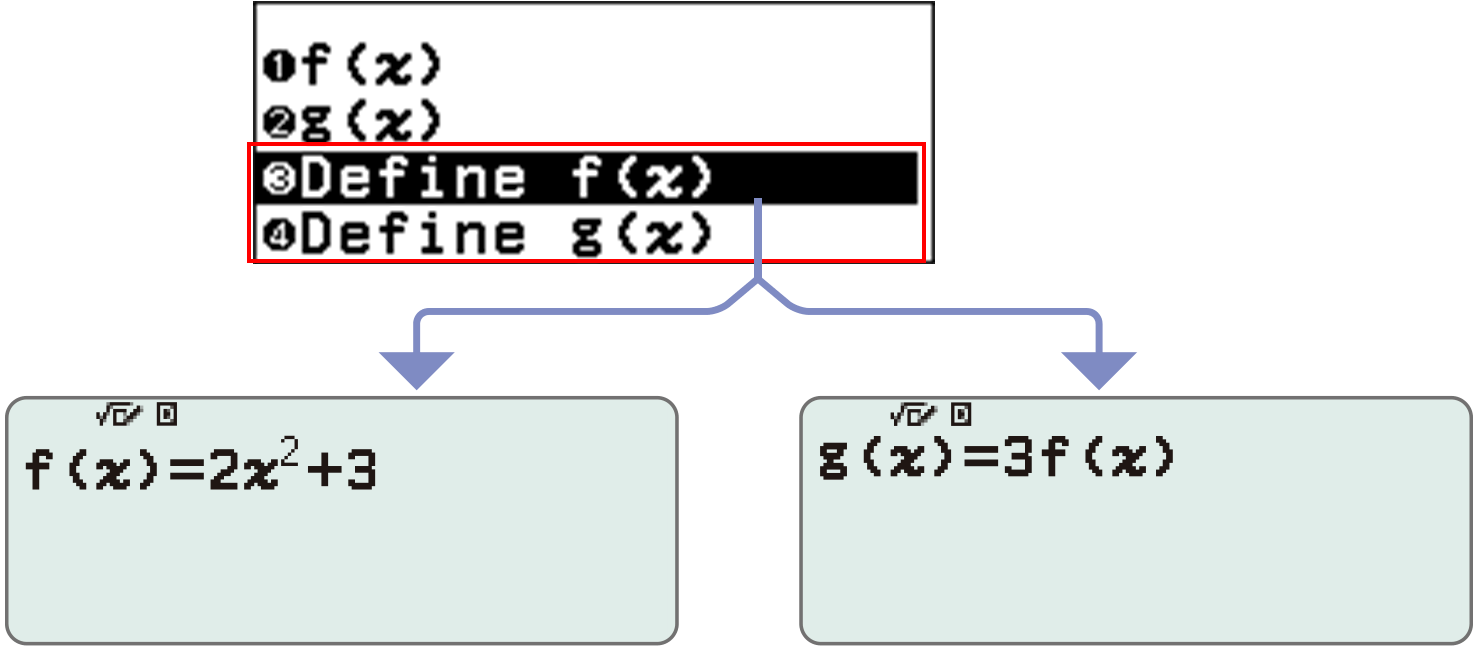

Examples:
Create a table in the Table app
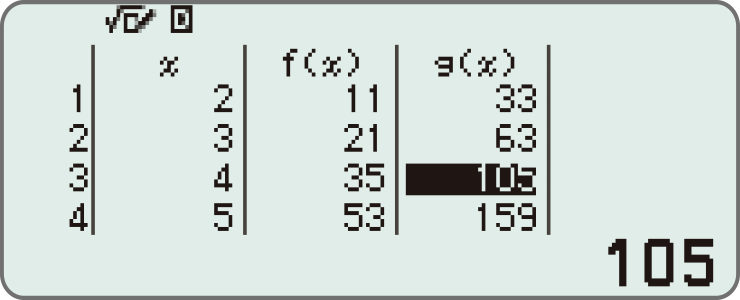
Call from a spreadsheet (fx-991CW+ UK only)
Variable memory
You can store values to variables and use the variables in calculations.
<Things you can do with the Variable key>
Display the variable list screen
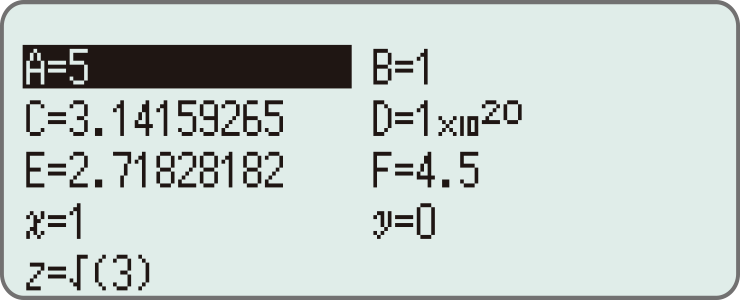
Store values to variables


Use saved values in calculate app

Equation app (fx-991CW+ UK only)