
























FAQ | General and scientific calculators
Please tell me how to do "TAX calculation".
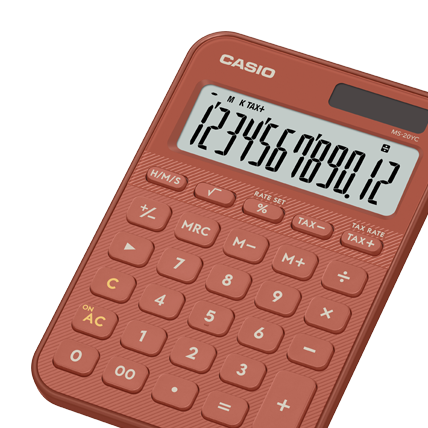
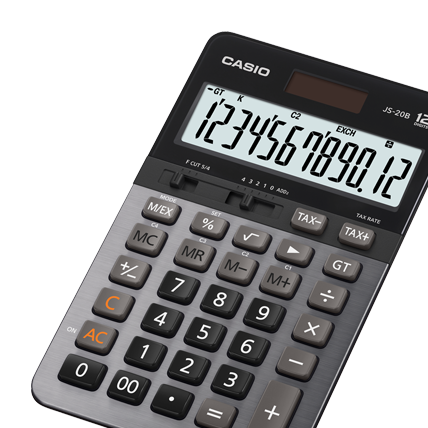
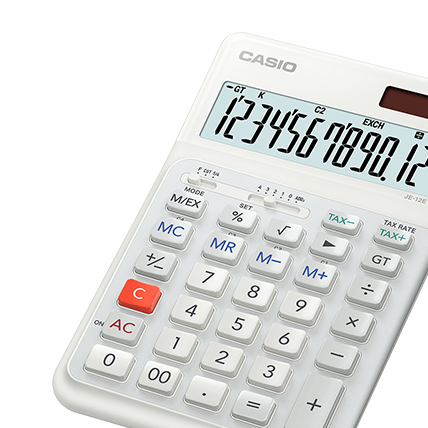
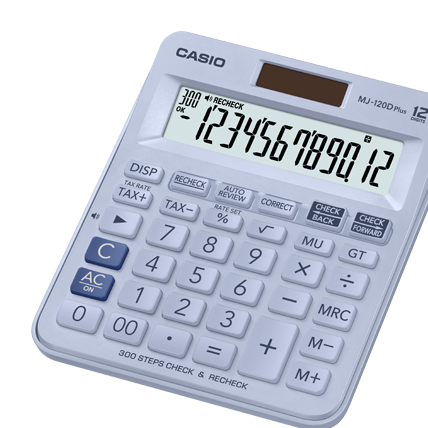
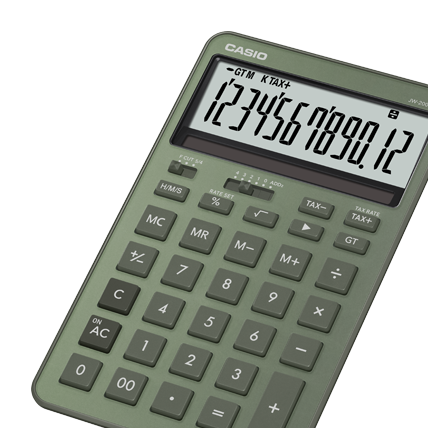
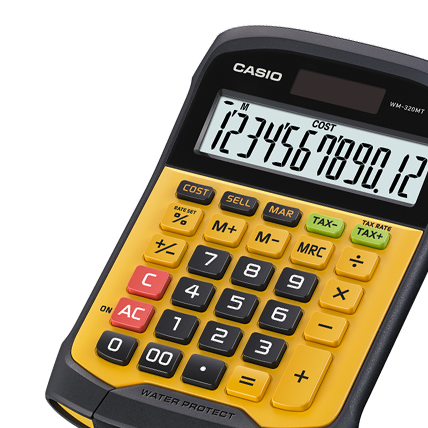
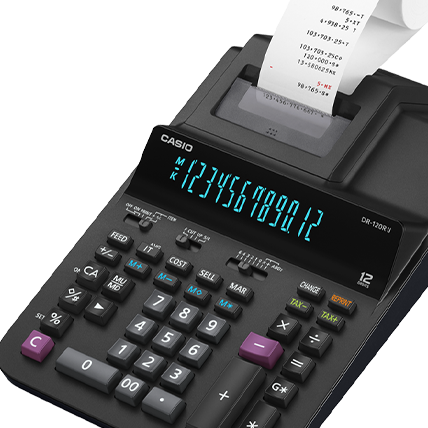
(1) If "Rate set" is printed above [%] key with your calculator,
1. Press [AC] and hold [%] for about two seconds.
2. Input Tax Rate and then [%].
* You can check Tax rate by pressing [AC] and then inputting [TAX+]
(2) If "Set" is printed above [%] key with your calculator,
1. Press [AC] and hold [%] for about two seconds.
2. Input [TAX+].
3. Input Tax Rate and then [%].
* You can check Tax rate by pressing [AC] and then inputting [TAX+]
2. How to calculate Price-plus-Tax and Price-less-Tax.
(1) How much is Price-plus-Tax of 100?
Press [AC], and input 100 [TAX+].
(2) How much is the Price-less-Tax of 105?
Press [AC], and input 105 [TAX-].
3.
Tax Rate Setting Precaution
Replacing the battery or blocking the calculator from sunlight while battery
power is low may cause your tax rate setting or memory contents to be
changed or lost. Replace the battery as soon as possible when it becomes
weak and correct the tax rate setting, if necessary.
Always be sure to check the tax rate setting
before starting tax calculation.
- Target product


