
Skip to content ADA Accessibility Statement

FAQ

Frequently asked questions from customers in a Q&A format

FAQ

Frequently asked questions from customers in a Q&A format

General Casio FAQs

Casio America offers a support form, email, and phone assistance for U.S. customers. See Casio contact options.

Eligible Casio.com purchases may be returned under the published return policy. A return authorization and other conditions apply. Read the return policy.

Start a return through Casio’s online order or support process. Have your order details ready and follow the instructions for an authorized return. Read online return instructions.

Yes. Request a return merchandise authorization before shipping a return and put the RMA number on the package as instructed. Read the RMA instructions.

Use Casio’s online order management tool to look up an order and see the actions available for it. Find order-tracking instructions.

Casio offers a limited cancellation window after an order is placed. Check order management promptly to see whether cancellation is still available. Read the cancellation instructions.

Orders need processing time before shipment. Delivery estimates depend on the shipping method and destination. Read order-processing information.

Shipping methods, delivery estimates, and charges depend on the order and destination. Confirm the available options and total at checkout. Read shipping information.

Update the address in PayPal before placing the order. For an order already placed, check the order details and available support options. Read PayPal address guidance.

A temporary payment authorization can appear before the final charge. The timing of a release can depend on the payment method and financial institution. Read about authorization charges.

Sign in with a CASIO ID and add the item to My Collection. Products purchased online or in a store can be registered. Read product registration instructions.

Choose your product category to review its applicable warranty terms. Coverage varies by product. Find warranty information.

Keep the warranty card and dated proof of purchase for your records. The card does not need to be mailed to Casio. Read the warranty card answer.

Choose service information for your product and region before arranging a visit or shipment. Find authorized service locations.

Availability varies by product and age. Casio lists a parts distributor and notes when a part requires authorized service. Read replacement-parts guidance.

Use Casio’s retailer locator to find an authorized seller. Find an authorized retailer.

Casio provides contact routes for sponsorship, donations, collaborations, and dealer inquiries. Find business inquiry contacts.

Casio lists certificates of compliance by model for applicable products. Find product compliance data.

Casio products are manufactured in several countries. Check the labeling on your specific product for its country of origin. Read manufacturing information.

FAQ

Frequently asked questions from customers in a Q&A format

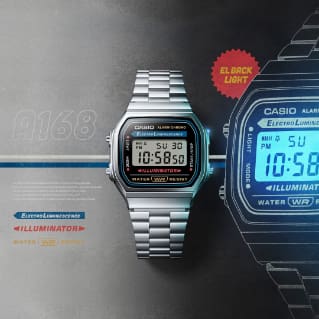
Timepiece FAQs

Clean the watch and band according to the care guidance, rinse off salt or dirt after use, and dry the watch thoroughly. Read watch-care guidance.

Follow the material-specific cleaning and storage guidance to help reduce discoloration and wear. Read resin-band care guidance.

Dirt and moisture can promote corrosion around metal components. Regular cleaning helps protect the case and band. Read about watch corrosion.

Use nonstretch string or paper where the watch will sit, measure that length, and follow the band’s trimming instructions. Read the measurement steps.

Casio provides GBD-H2000 setup information and a downloadable guide in its support article. Open the GBD-H2000 setup guide.

Review Casio’s watch service instructions before sending a watch. Record its model number and use a shipment method with tracking. Read watch repair instructions.

Casio lists models with a vibration alarm in its timepiece support article. Check a current model’s features before buying. See the listed watch models.

Charging time depends on the model and light conditions. The linked example is for a GW300A; use your watch manual for model-specific figures. Read the solar-charging example.

Find the module number on the back of your watch and use it to locate the matching operation guide. Read how to find a watch manual.

Casio’s support article identifies a distributor for timepiece wholesale and bulk orders. Read the bulk-order contact information.

Suitable activities depend on the watch’s marked rating. Check the rating and follow Casio’s precautions for water use and care. Read the water-resistance guide.

FAQ

Frequently asked questions from customers in a Q&A format

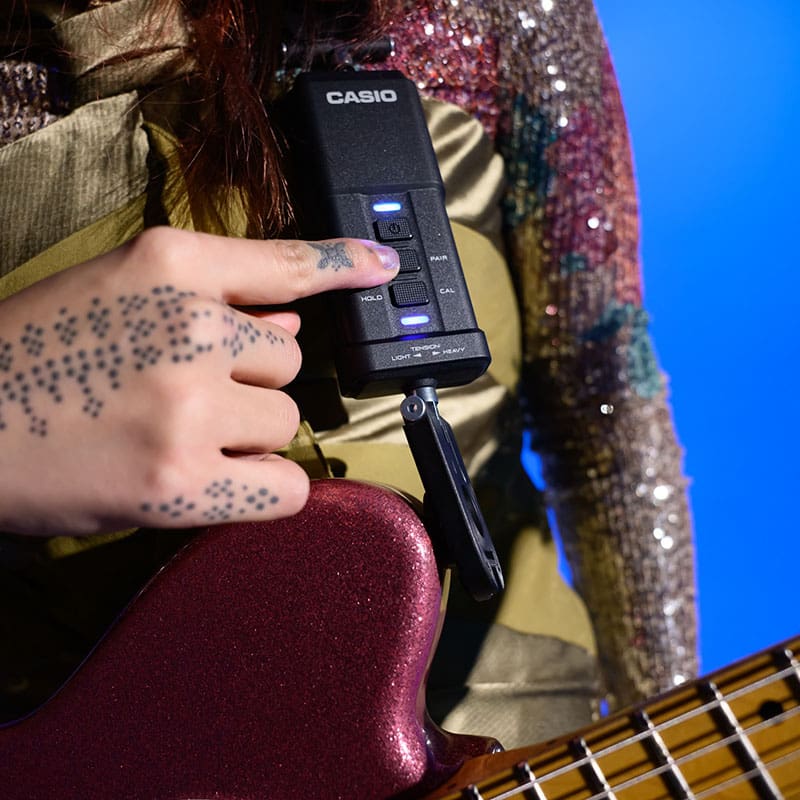
Electronic Musical Instruments FAQs

Check the device’s cable routing and MIDI input and output settings. The linked steps concern older equipment, so use your model manual for current compatibility. Read the MIDI troubleshooting article.

Review the musical instrument warranty for coverage, proof-of-purchase requirements, and exclusions. Read the musical instrument warranty.

Find a service location for your instrument family before arranging repair. Find keyboard and piano service.


Check volume, headphone connection, and applicable Local Control settings. Reset instructions differ by model. Read the no-sound troubleshooting steps.

FAQ

Frequently asked questions from customers in a Q&A format

Other FAQs

Casio’s calculator help article points to FAQs and model manuals. Find calculator help resources.

Casio’s fx-CG20 article explains which software publishing services ended and where remaining information can be found. Read the fx-CG20 support notice.

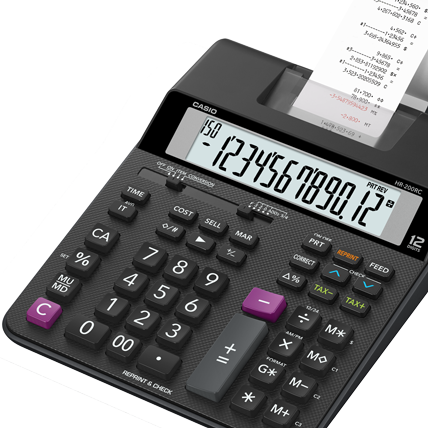
These printing calculators have model-specific key steps for setting the date and time. Read the date-and-time steps.

P--Error indicates a printer problem, which can include a paper jam. Check the model-specific troubleshooting steps. Read the P--Error steps.

Casio explains the labeled printing calculator keys in its model-specific guide. Read the calculator key guide.

Use the S⇔D key to convert a displayed result, or choose the appropriate calculation display setting. Read the decimal display instructions.

Casio has archived tax table information by register model. U.S. cash register technical support and repairs have ended. Read the archived tax table information.

The error indicates a mode change before a procedure was finished. The linked article explains how to return to the prior mode and complete or cancel it. Read the E01 and E001 instructions.

FAQ

Frequently asked questions from customers in a Q&A format

General Casio FAQs

Casio America offers a support form, email, and phone assistance for U.S. customers. See Casio contact options.

Eligible Casio.com purchases may be returned under the published return policy. A return authorization and other conditions apply. Read the return policy.

Start a return through Casio’s online order or support process. Have your order details ready and follow the instructions for an authorized return. Read online return instructions.

Yes. Request a return merchandise authorization before shipping a return and put the RMA number on the package as instructed. Read the RMA instructions.

Use Casio’s online order management tool to look up an order and see the actions available for it. Find order-tracking instructions.

Casio offers a limited cancellation window after an order is placed. Check order management promptly to see whether cancellation is still available. Read the cancellation instructions.

Orders need processing time before shipment. Delivery estimates depend on the shipping method and destination. Read order-processing information.

Shipping methods, delivery estimates, and charges depend on the order and destination. Confirm the available options and total at checkout. Read shipping information.

Update the address in PayPal before placing the order. For an order already placed, check the order details and available support options. Read PayPal address guidance.

A temporary payment authorization can appear before the final charge. The timing of a release can depend on the payment method and financial institution. Read about authorization charges.

Sign in with a CASIO ID and add the item to My Collection. Products purchased online or in a store can be registered. Read product registration instructions.

Choose your product category to review its applicable warranty terms. Coverage varies by product. Find warranty information.

Keep the warranty card and dated proof of purchase for your records. The card does not need to be mailed to Casio. Read the warranty card answer.

Choose service information for your product and region before arranging a visit or shipment. Find authorized service locations.

Availability varies by product and age. Casio lists a parts distributor and notes when a part requires authorized service. Read replacement-parts guidance.

Use Casio’s retailer locator to find an authorized seller. Find an authorized retailer.

Casio provides contact routes for sponsorship, donations, collaborations, and dealer inquiries. Find business inquiry contacts.

Casio lists certificates of compliance by model for applicable products. Find product compliance data.

Casio products are manufactured in several countries. Check the labeling on your specific product for its country of origin. Read manufacturing information.

Timepiece FAQs

Clean the watch and band according to the care guidance, rinse off salt or dirt after use, and dry the watch thoroughly. Read watch-care guidance.

Follow the material-specific cleaning and storage guidance to help reduce discoloration and wear. Read resin-band care guidance.

Dirt and moisture can promote corrosion around metal components. Regular cleaning helps protect the case and band. Read about watch corrosion.

Use nonstretch string or paper where the watch will sit, measure that length, and follow the band’s trimming instructions. Read the measurement steps.

Casio provides GBD-H2000 setup information and a downloadable guide in its support article. Open the GBD-H2000 setup guide.

Review Casio’s watch service instructions before sending a watch. Record its model number and use a shipment method with tracking. Read watch repair instructions.

Casio lists models with a vibration alarm in its timepiece support article. Check a current model’s features before buying. See the listed watch models.

Charging time depends on the model and light conditions. The linked example is for a GW300A; use your watch manual for model-specific figures. Read the solar-charging example.

Find the module number on the back of your watch and use it to locate the matching operation guide. Read how to find a watch manual.

Casio’s support article identifies a distributor for timepiece wholesale and bulk orders. Read the bulk-order contact information.

Suitable activities depend on the watch’s marked rating. Check the rating and follow Casio’s precautions for water use and care. Read the water-resistance guide.

Electronic Musical Instruments FAQs

Check the device’s cable routing and MIDI input and output settings. The linked steps concern older equipment, so use your model manual for current compatibility. Read the MIDI troubleshooting article.

Review the musical instrument warranty for coverage, proof-of-purchase requirements, and exclusions. Read the musical instrument warranty.

Find a service location for your instrument family before arranging repair. Find keyboard and piano service.


Check volume, headphone connection, and applicable Local Control settings. Reset instructions differ by model. Read the no-sound troubleshooting steps.

Other FAQs

Casio’s calculator help article points to FAQs and model manuals. Find calculator help resources.

Casio’s fx-CG20 article explains which software publishing services ended and where remaining information can be found. Read the fx-CG20 support notice.

These printing calculators have model-specific key steps for setting the date and time. Read the date-and-time steps.

P--Error indicates a printer problem, which can include a paper jam. Check the model-specific troubleshooting steps. Read the P--Error steps.

Casio explains the labeled printing calculator keys in its model-specific guide. Read the calculator key guide.

Use the S⇔D key to convert a displayed result, or choose the appropriate calculation display setting. Read the decimal display instructions.

Casio has archived tax table information by register model. U.S. cash register technical support and repairs have ended. Read the archived tax table information.

The error indicates a mode change before a procedure was finished. The linked article explains how to return to the prior mode and complete or cancel it. Read the E01 and E001 instructions.

Select a location