




























































FAQ | General and scientific calculators
Category : Scientific calculator features and usage Graphic Calculators
When I select an equation in Conic Graphs, I noticed the modify option; what does that do?
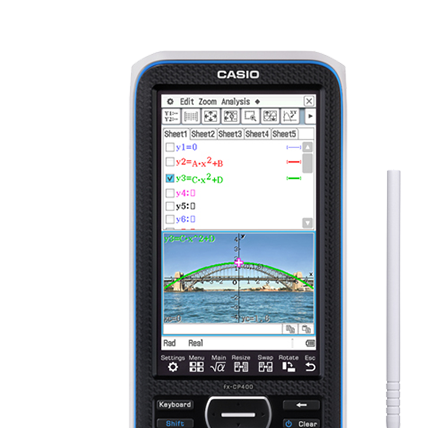
The modify option allows you to change the coefficients for in your equation. One way to do this is to use the right and left arrow buttons. When pressing those buttons, the coefficient that is highlighted (in magenta and with an arrow next to it) will change, based on the step value. Another way to change the coefficient values is type in your own value and press. This will change the highlighted coefficient, without regards to the step value.
- Target product


